exlurker @exlurker@gameliberty.club
Joined Oct 2021
Variations of a Makoto Orellana image, Diana Churchill, for @Femboyinkling
Image 5 - pants bikini top
#loli
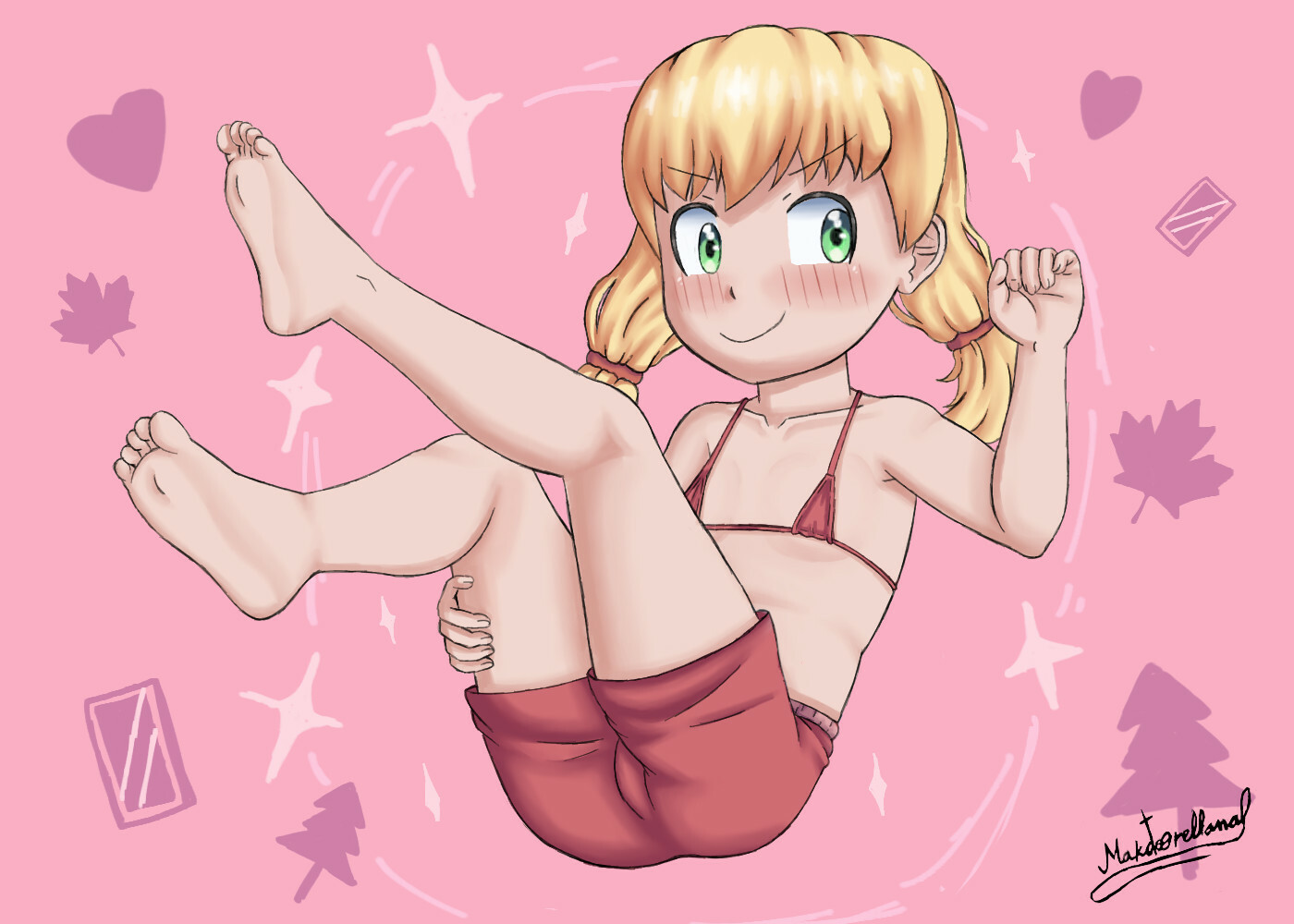
Animations and Variations of a Snack Eater image, Caturday
We are at image/animation 122
#loli
Variations of an n-tense and lemcubus image.
We are at image 10
#loli

Variations of a Makoto Orellana 2.0 image, Josefina and Alsacia-Lorena.
Current image: 50
#loli
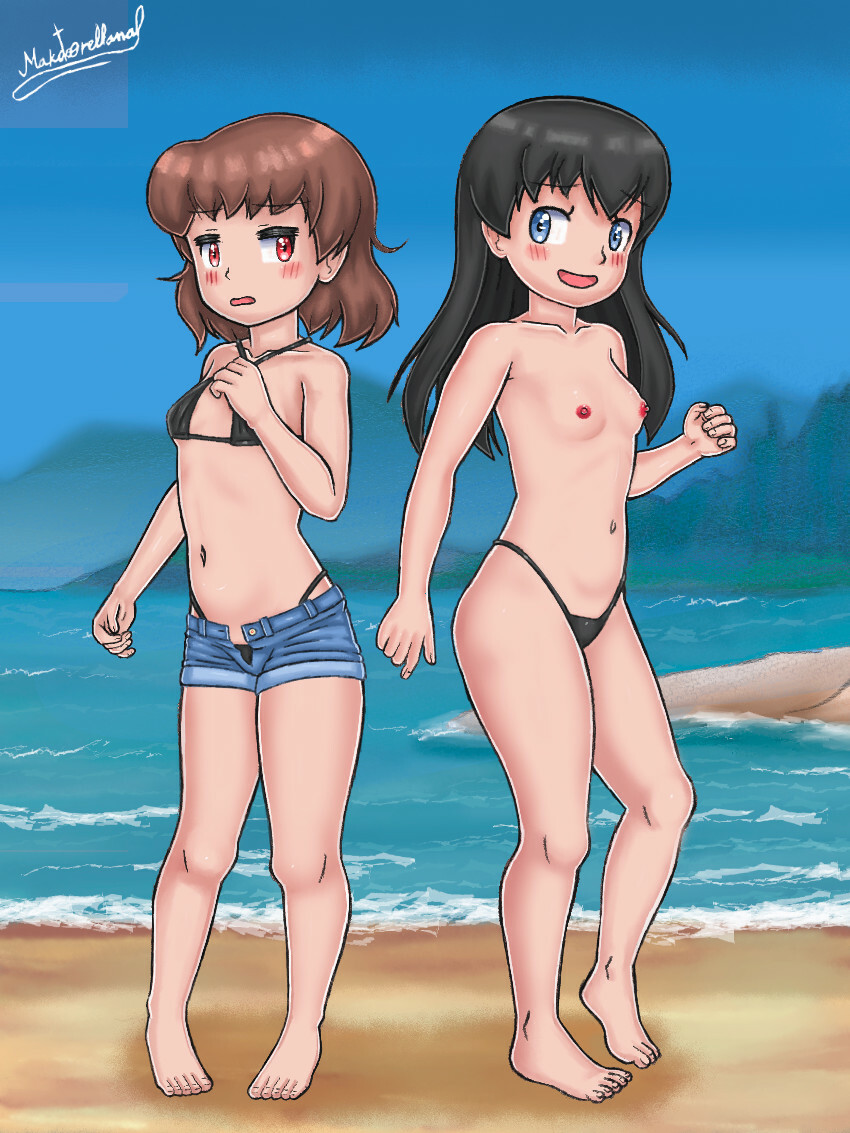
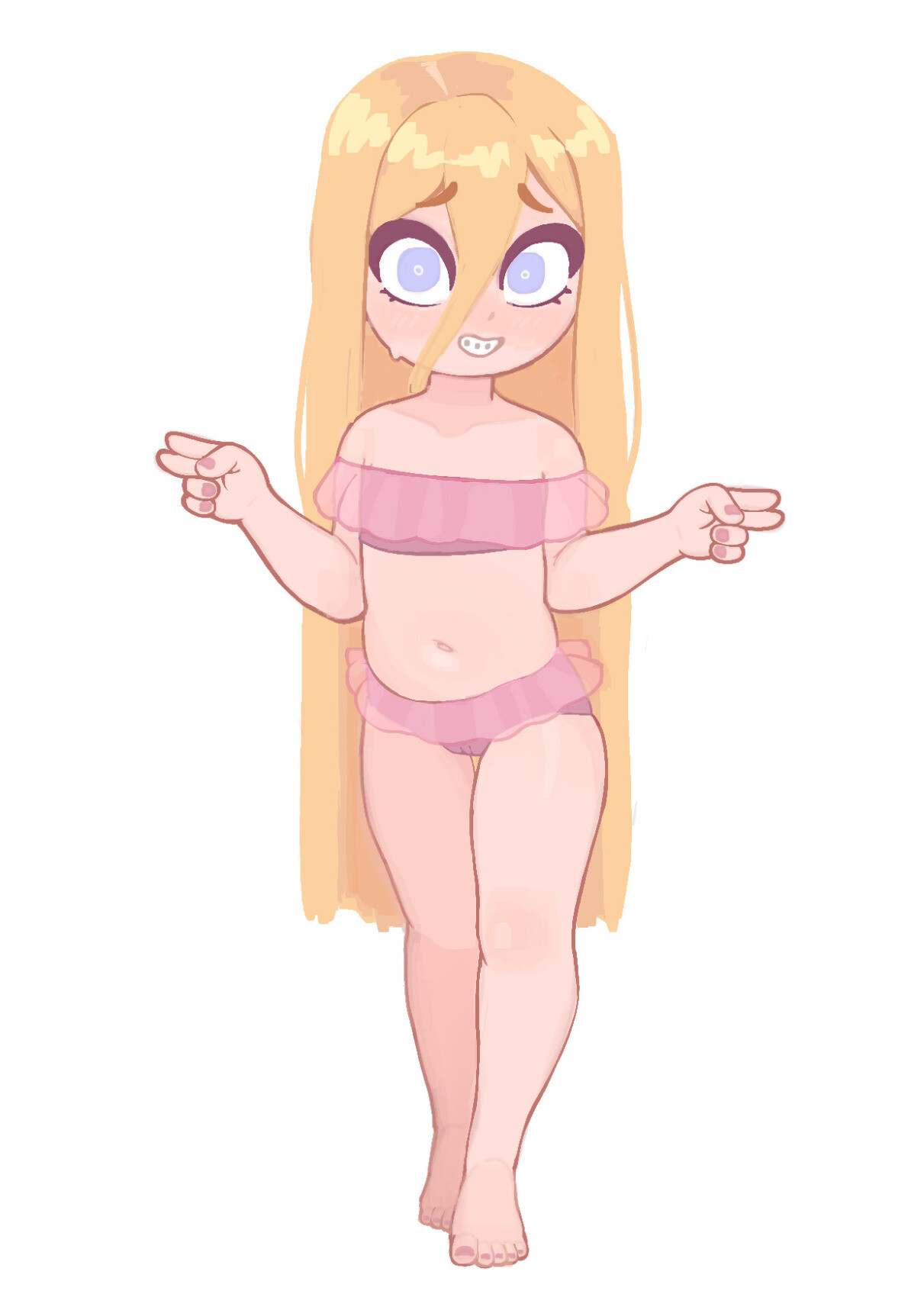
Variations of a Vermelhatan image, Klee.
We are at image 114 / 128
#loli
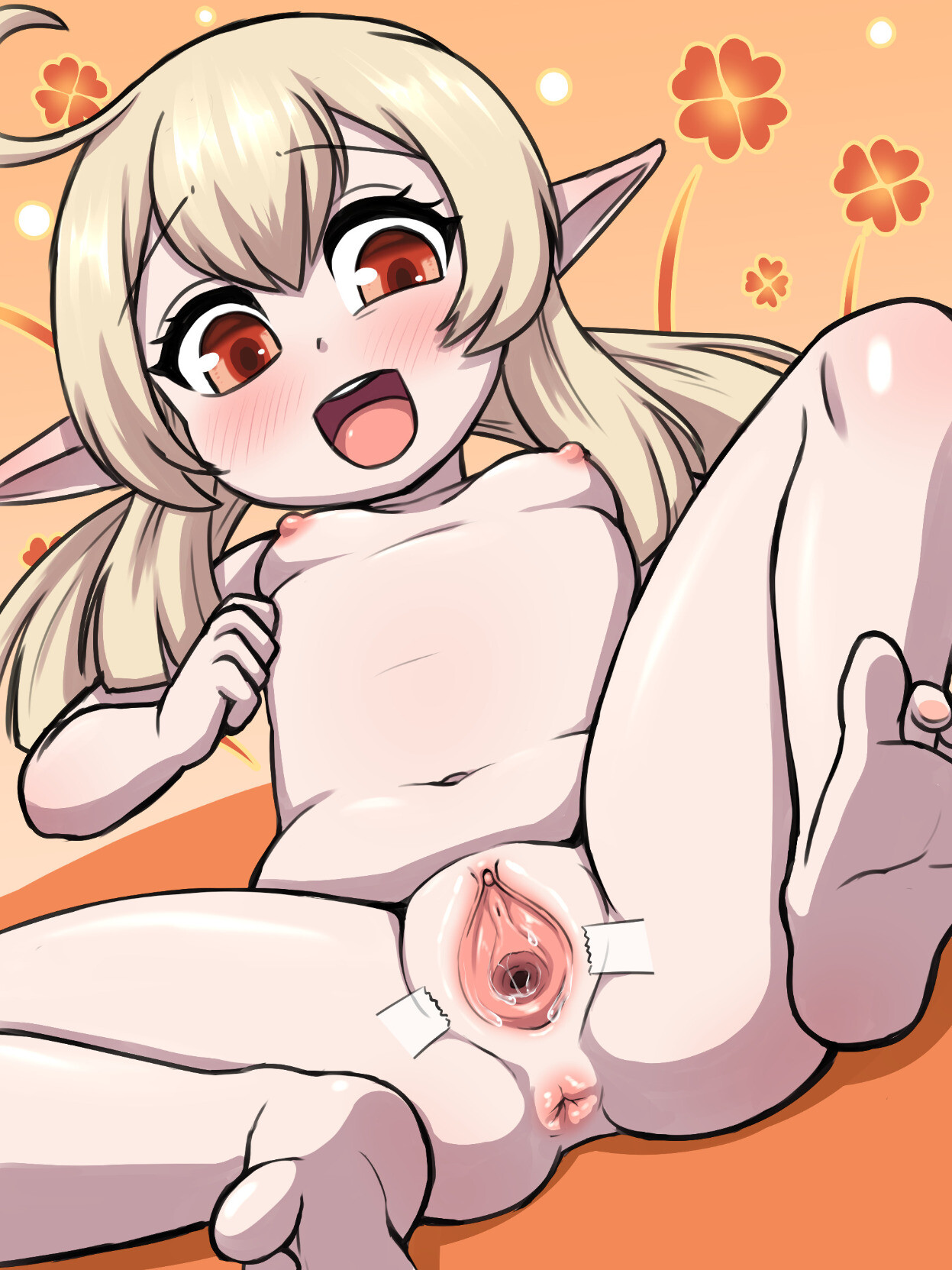
Variations of a lunaticprophet image, 福江 (Fukue), 1
We are at image 62
#loli
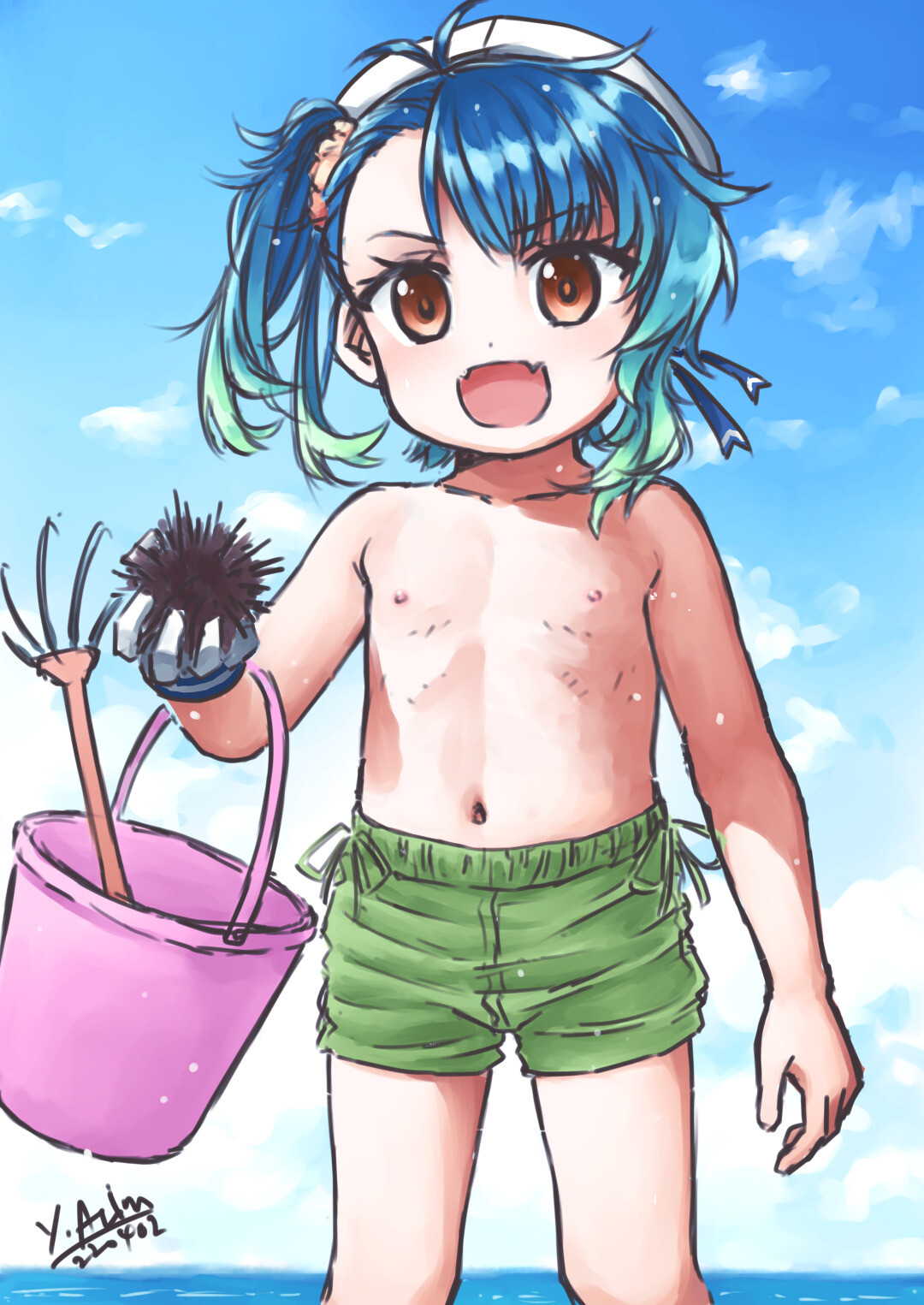
Variations of a GR drawings image, Boa and Snake.
Image 60/64
#loli
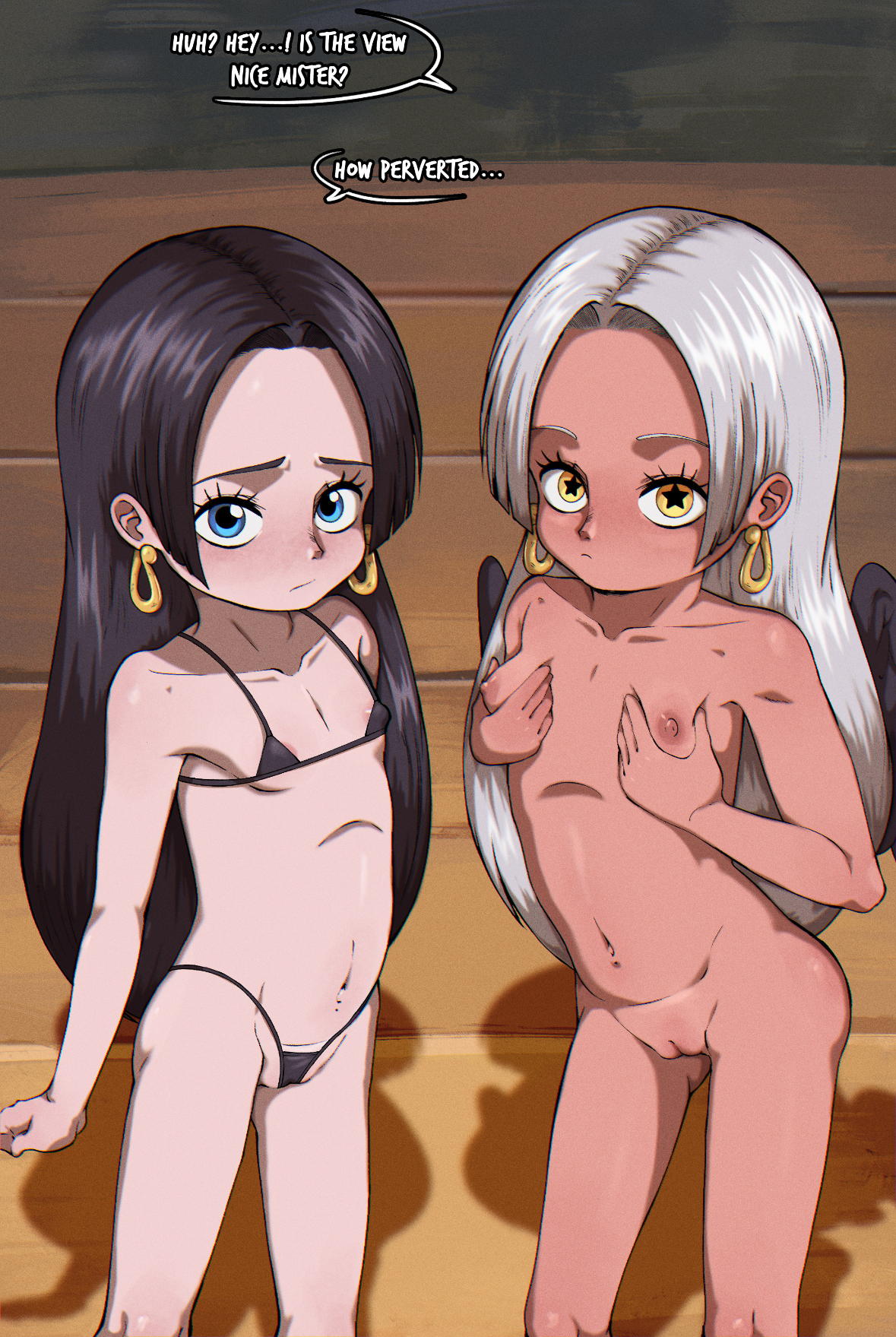
Variations of an n-tense and lemcubus image.
We are at image 14
#loli

Variation of an Essie image, Young Marissa
I don´t have the full pants, they are half-covered by the shirt.
Image 5
#loli
Variations of a Dakunart image, Ximenita.
We are at animation 30
#loli
Variations of a Makoto Orellana image, Diana Churchill, for @Femboyinkling
Image 10
#loli
Animations and Variations of a Snack Eater image, Caturday
We are at image/animation 106
#loli
Variations of a Makoto Orellana 2.0 image, Josefina and Alsacia-Lorena.
Current image: 42
#loli
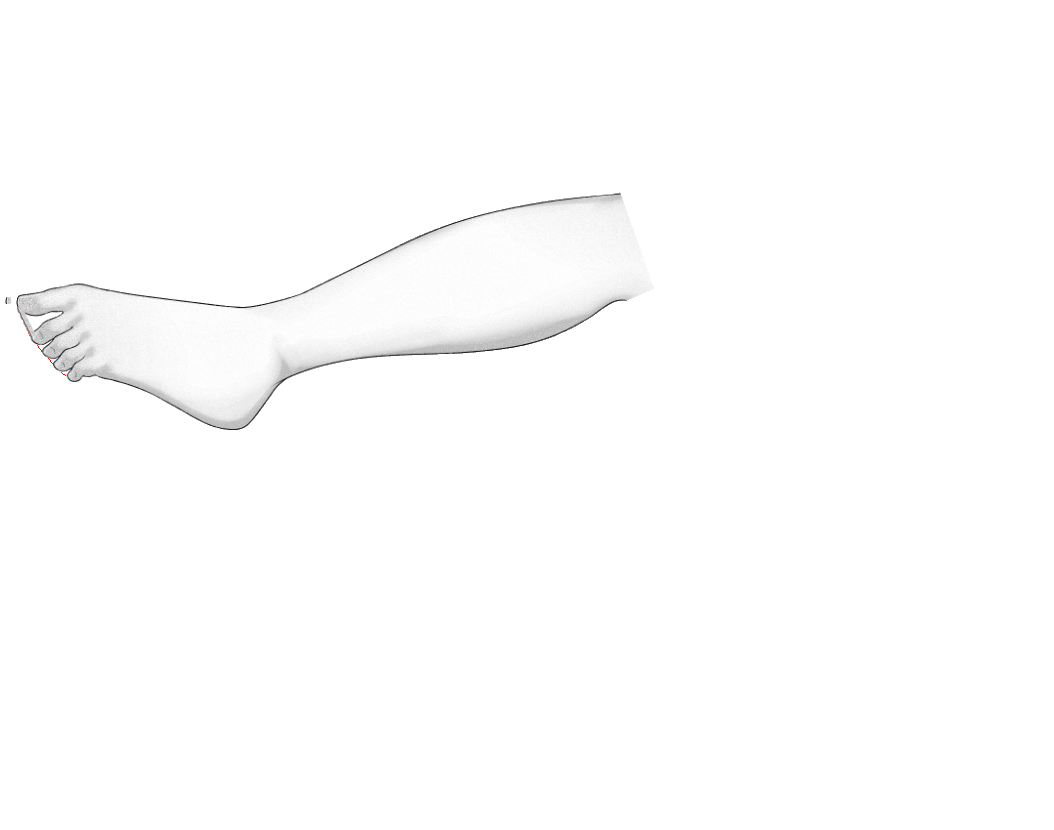
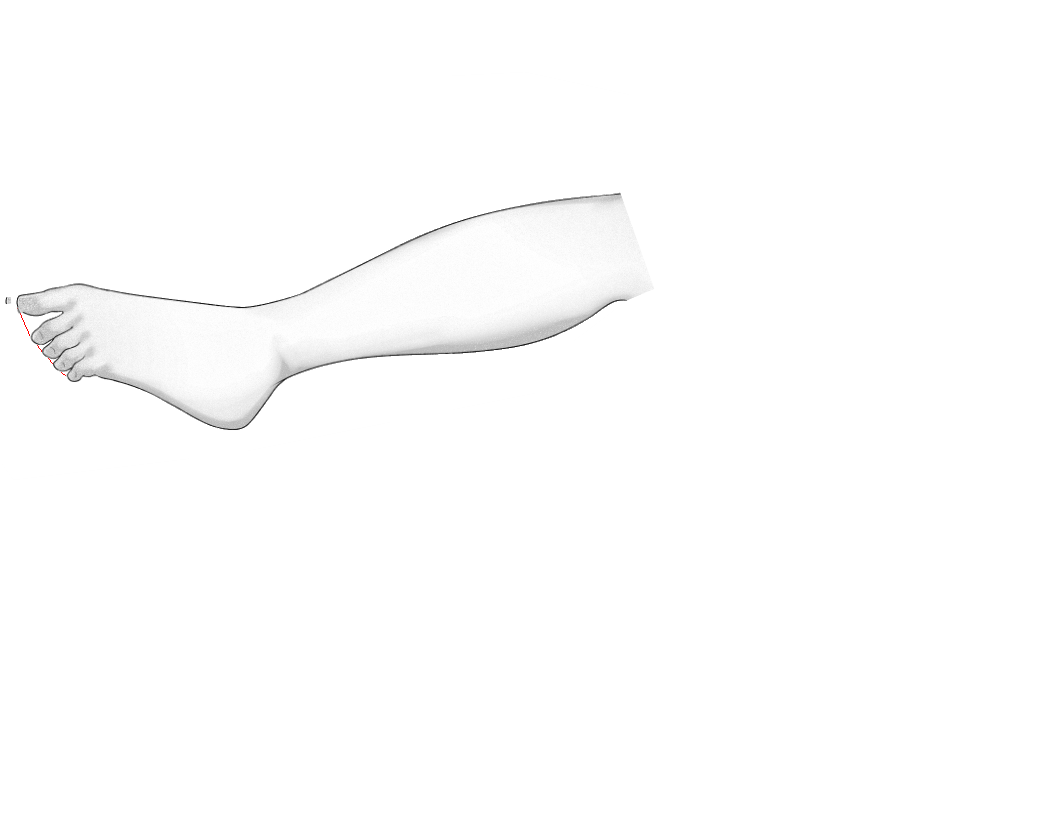
-Check with original image as background (image 26)
-New from visible with sock and sock top layers to obtain a new layer with the whole sock
-Colorize to select the desired colour (image 27)
-Repeat for the other foot
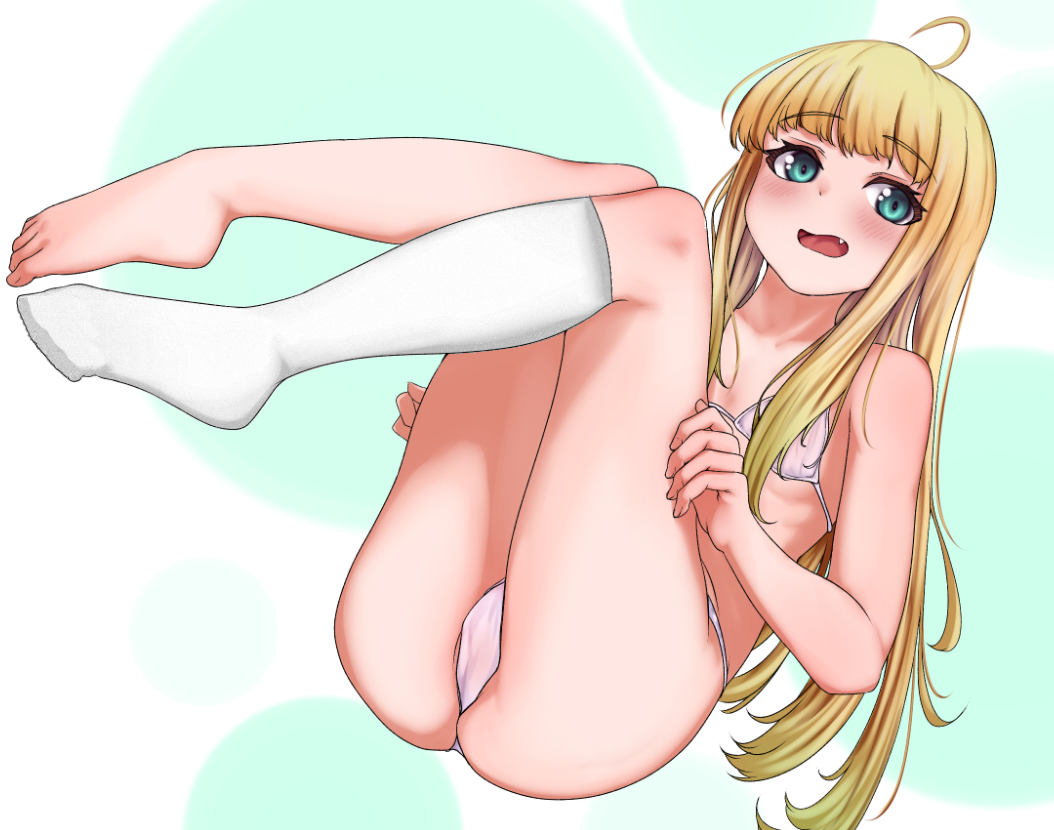
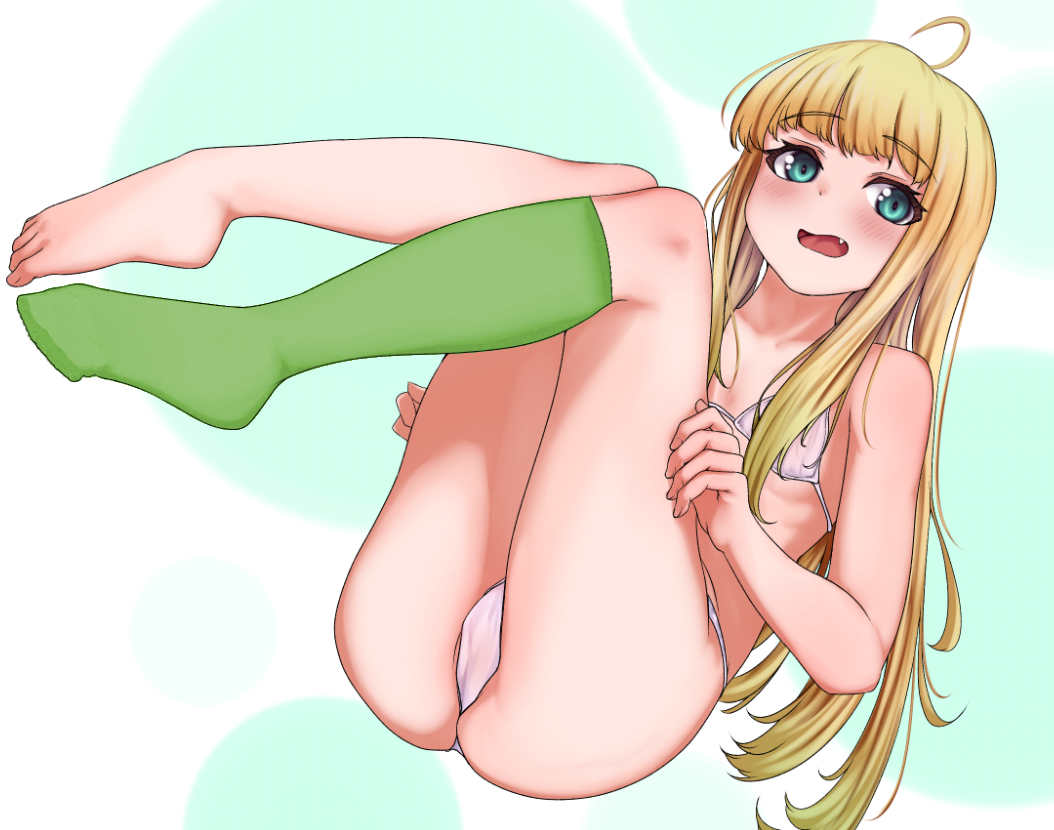
-Copy from image 16 the required part of the top of the leg into the sock layer (image 22)
-Remove unneeded sock top (image 23, 24)
-Smooth and clean the sock top (image 25)
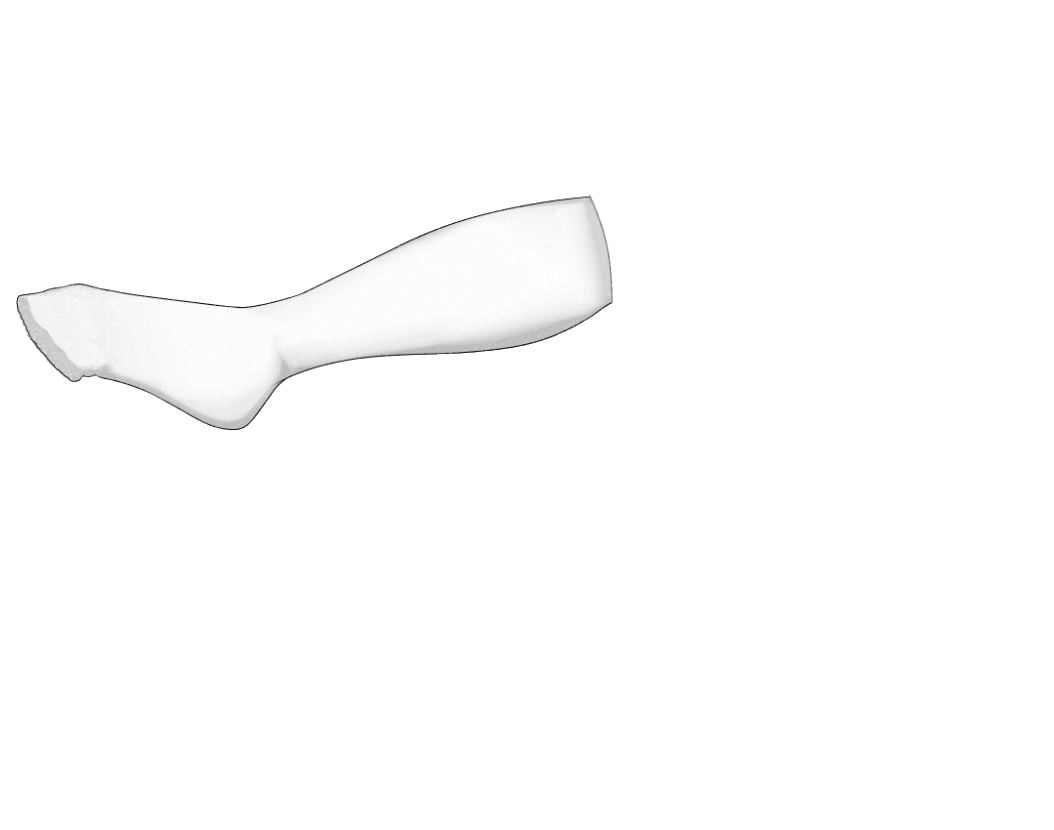
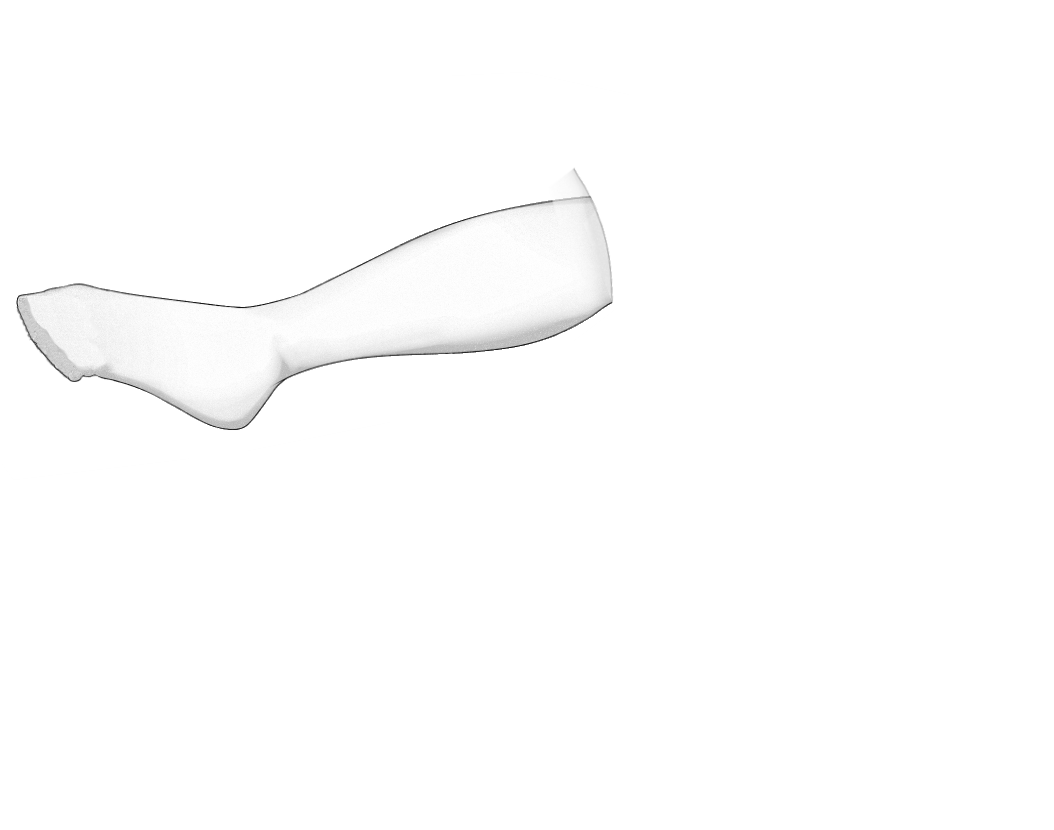
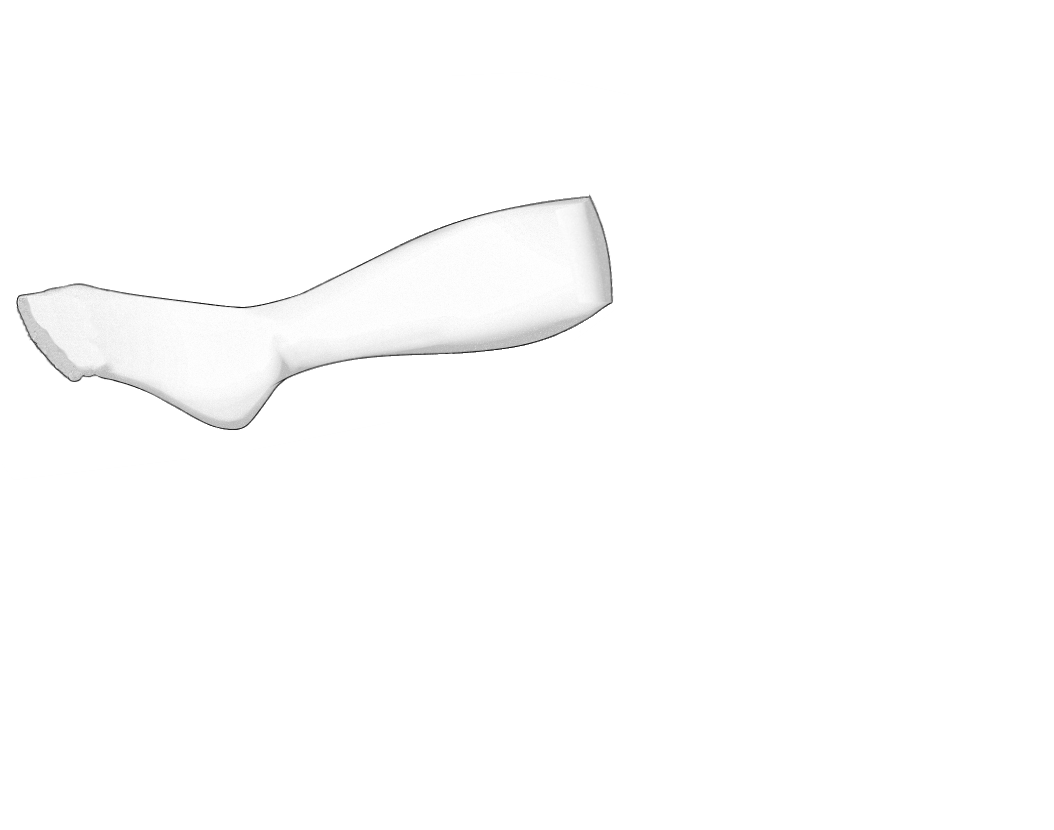
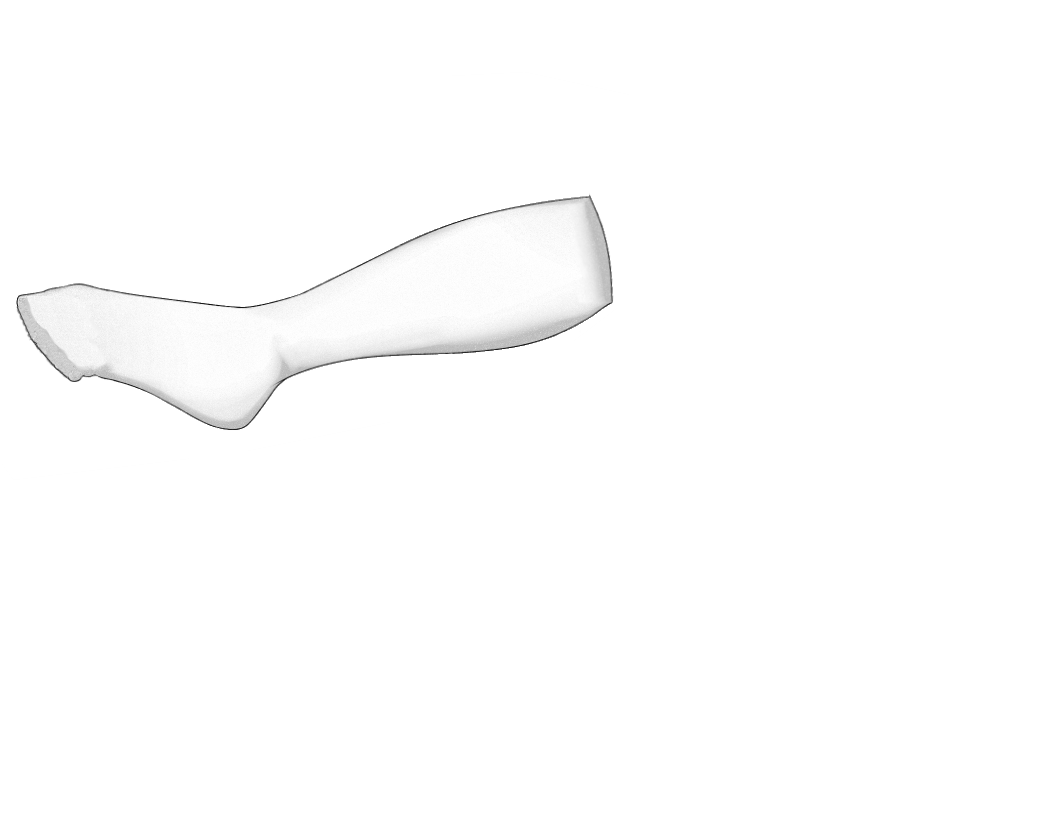
-Paste the sock top in a new layer. Move it so the tip of the border matches the top of the leg (image 18)
-Put pivot in connection point and rotate into position (image 19, 20)
-Make the layer semitransparent, notice that you cut too much leg (image 21)
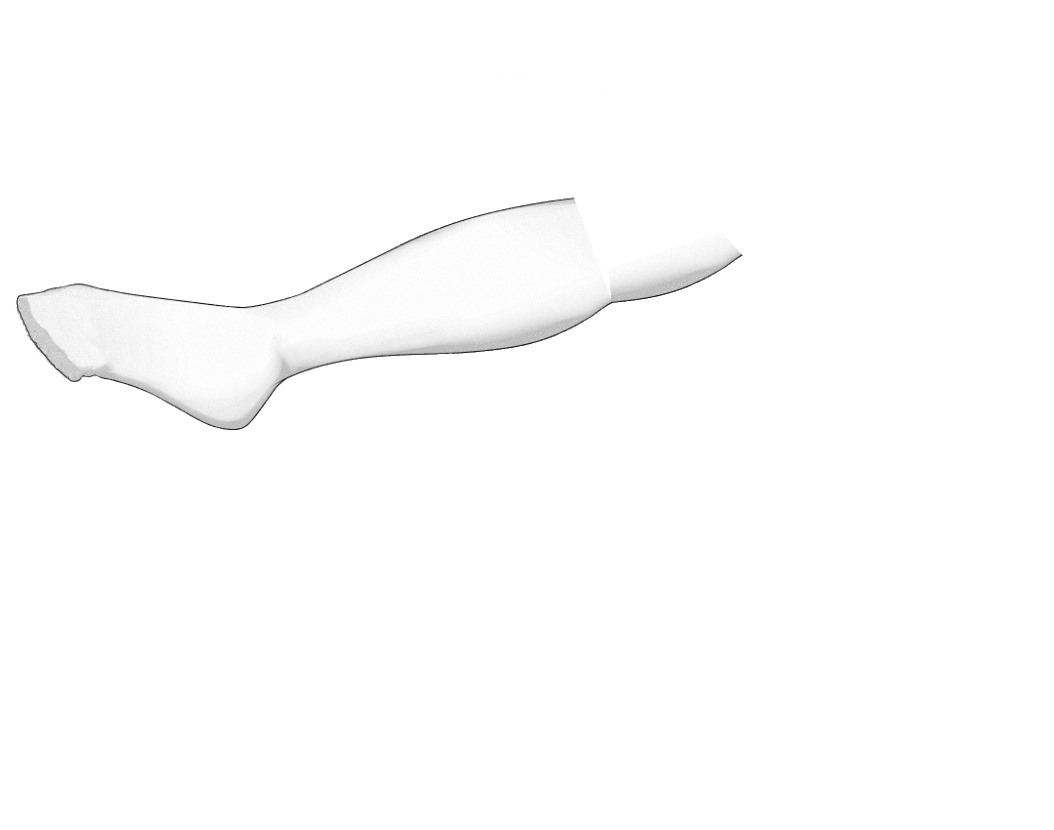
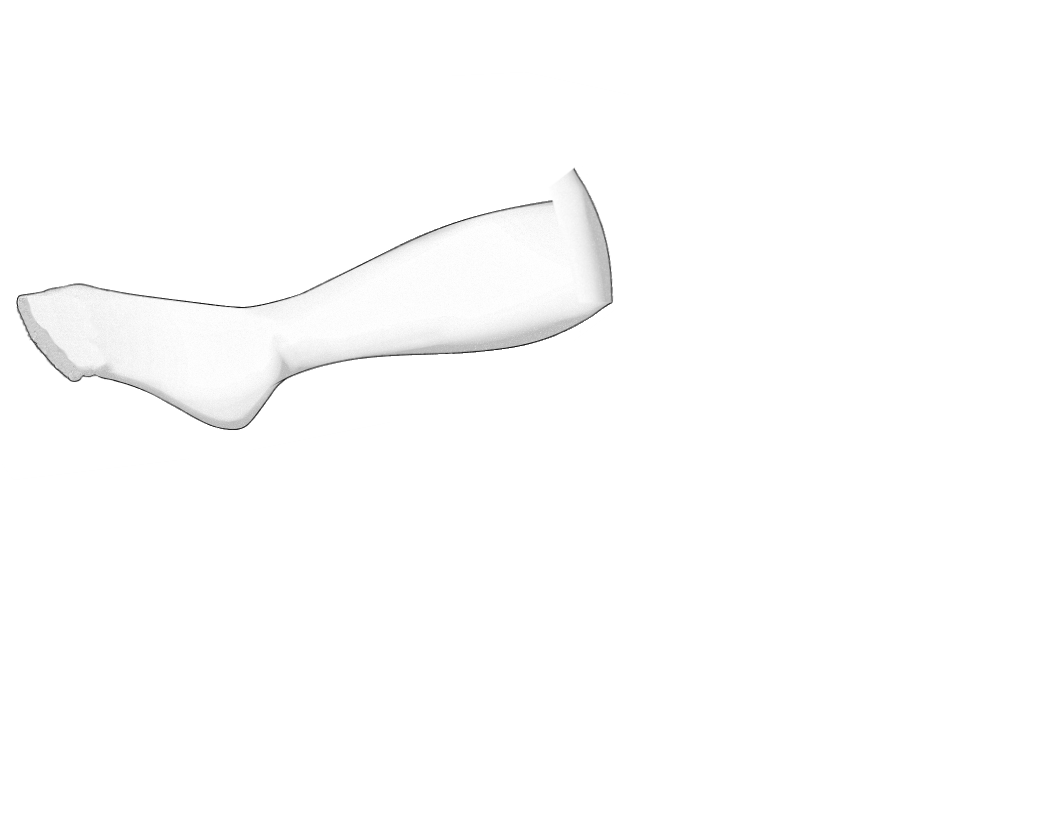
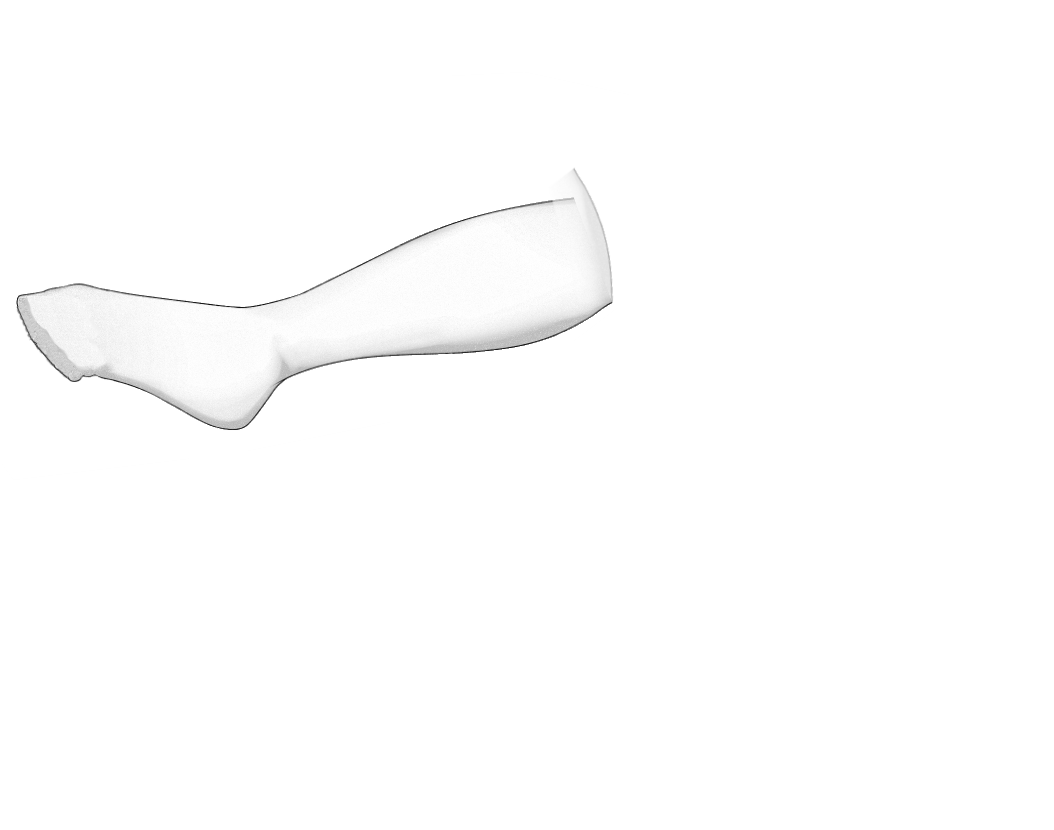
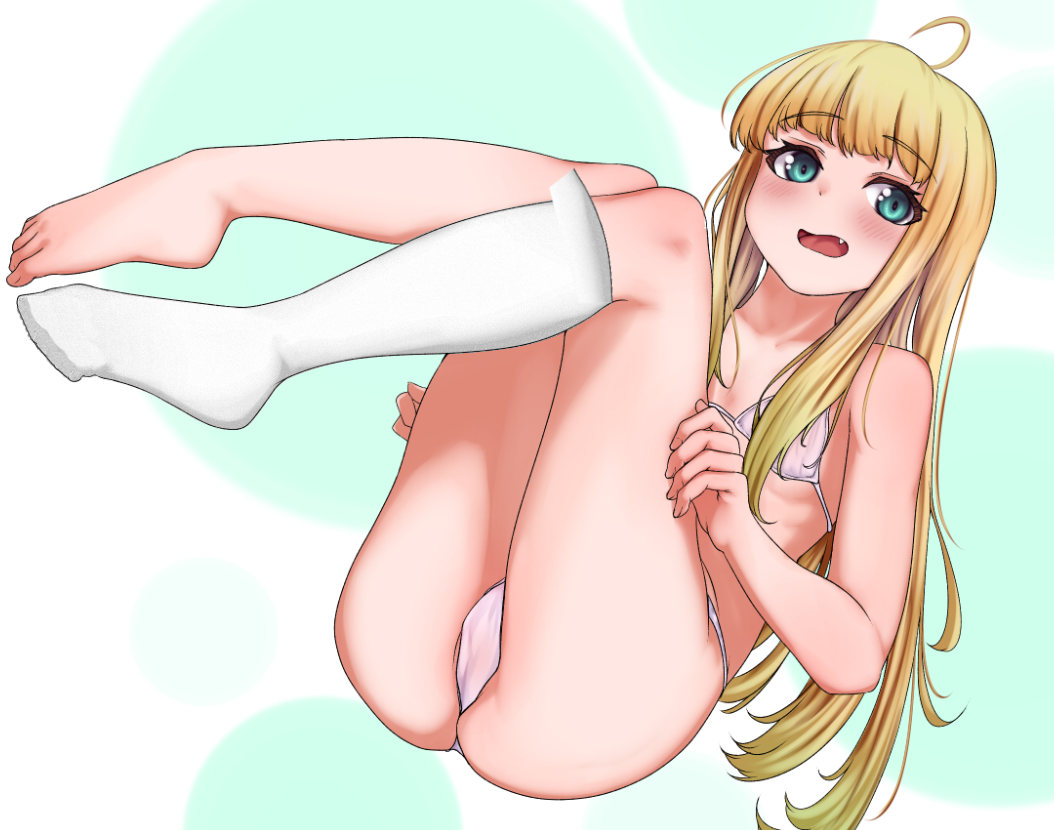
-Copy and paste to fill the sock gaps as needed (image 14)
-Smooth as needed, but keep the texture
-Remove shadows as needed using copy and paste again (image 15)
-Select the bottom curve of her shin to use as the new top of the sock. (image 16)
-Remove the top of the leg, which should not be covered by sock (image 17)
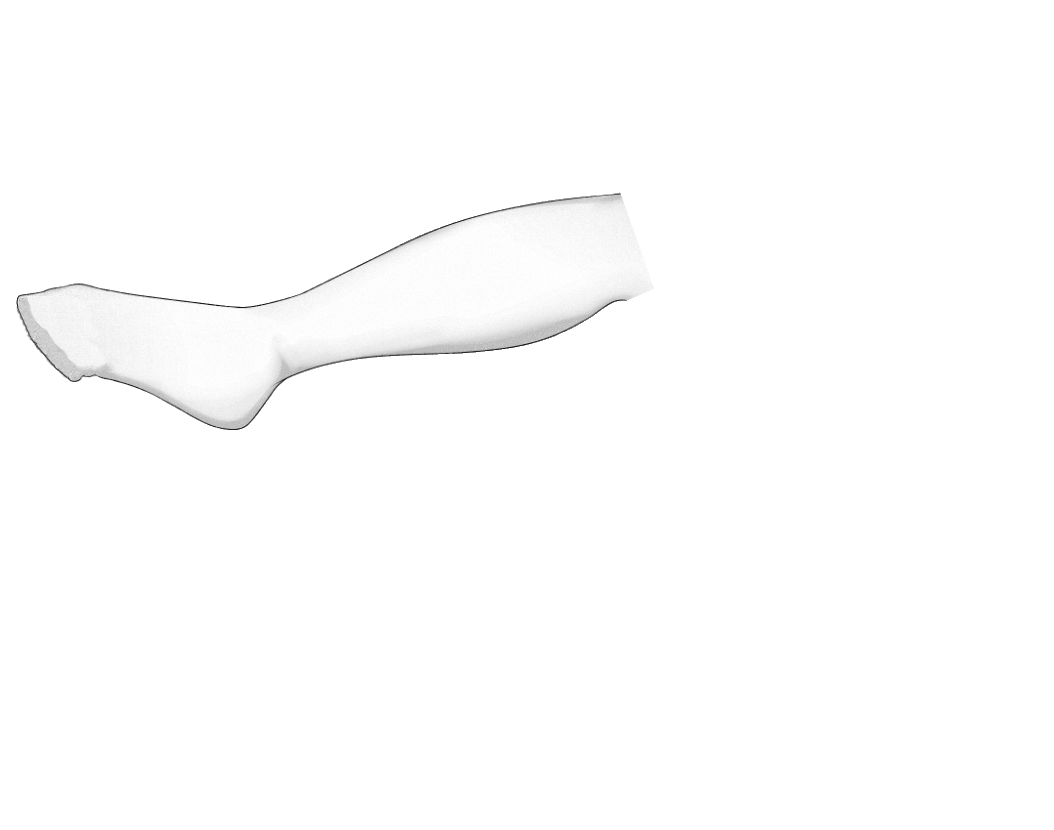
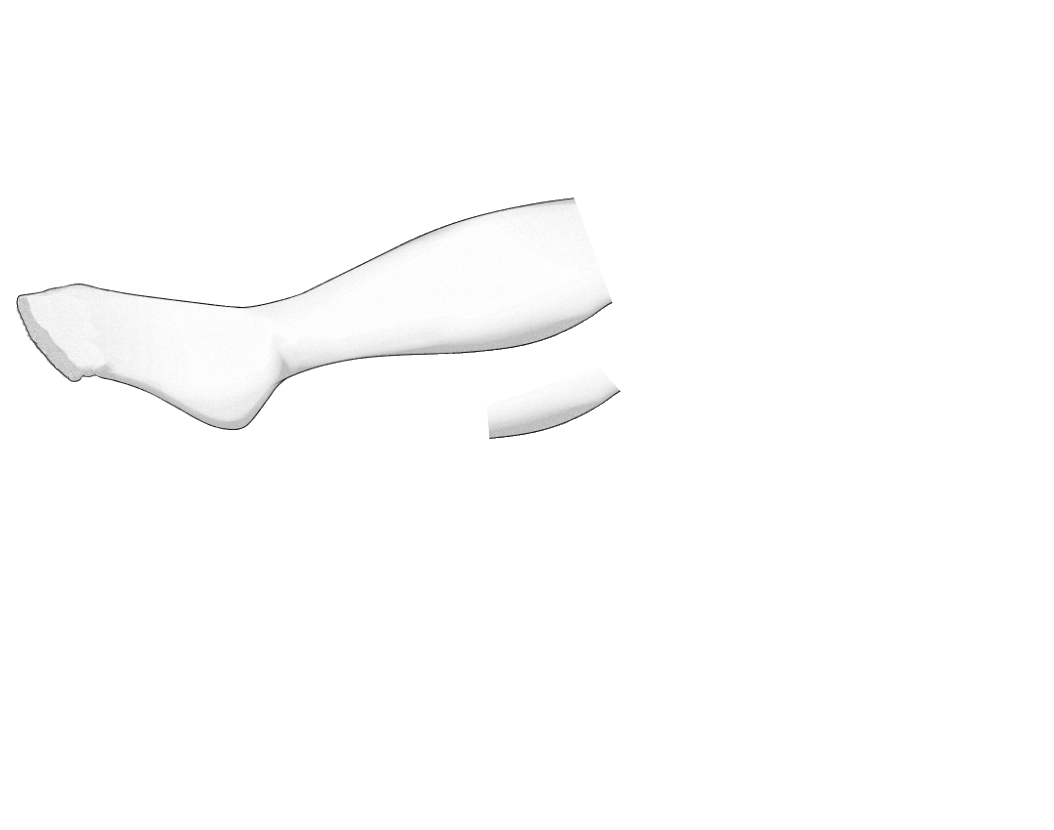
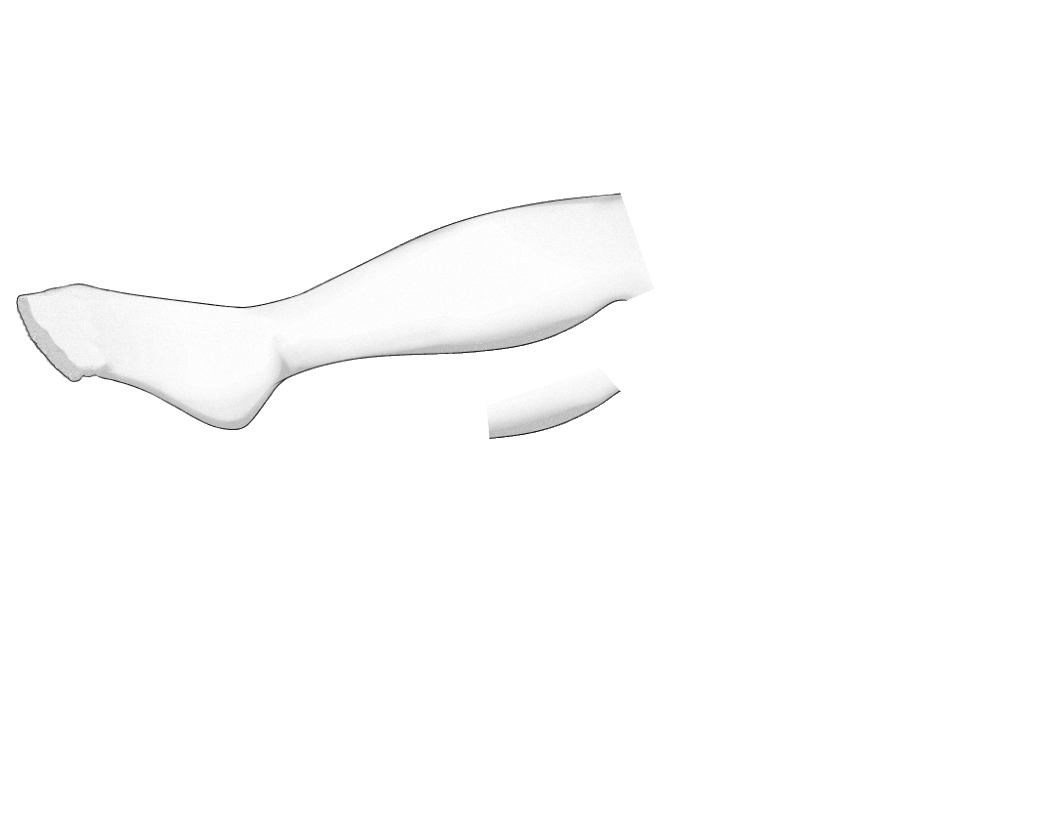
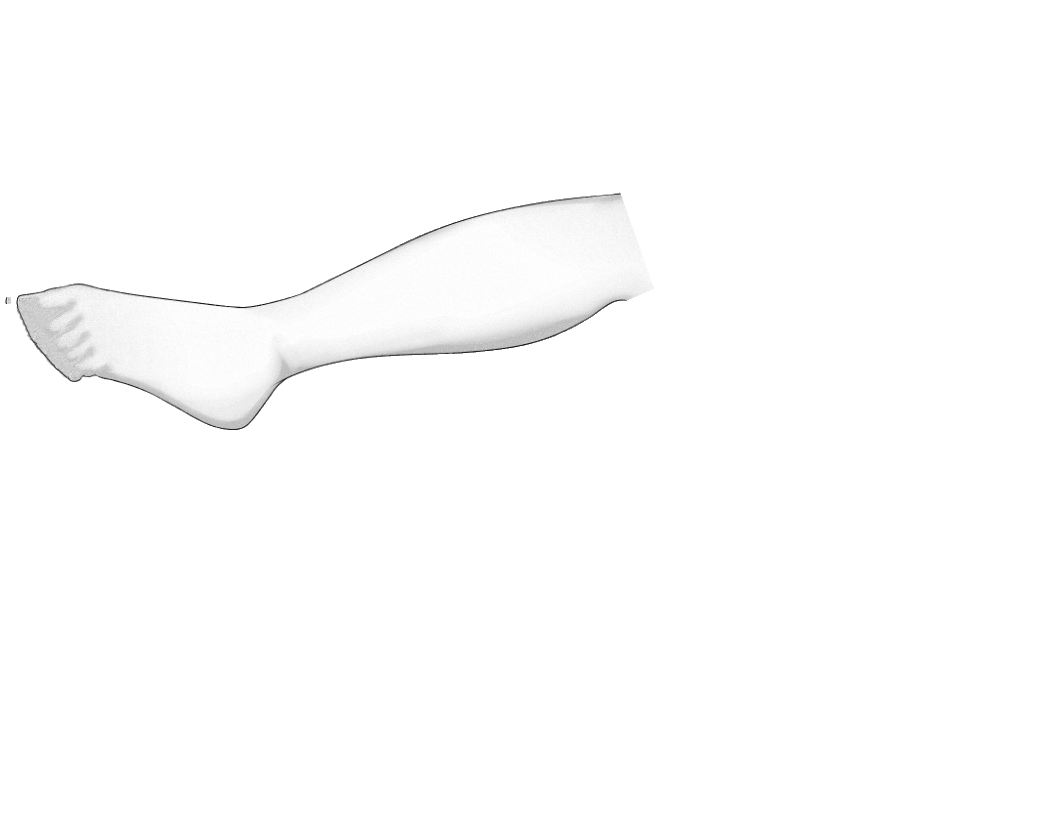
-Move the selection so one border matches the new sock border, and put the pivot there, then rotate so the line goes along the mark (image 10)
-Repeat until the new border is complete (image 11)
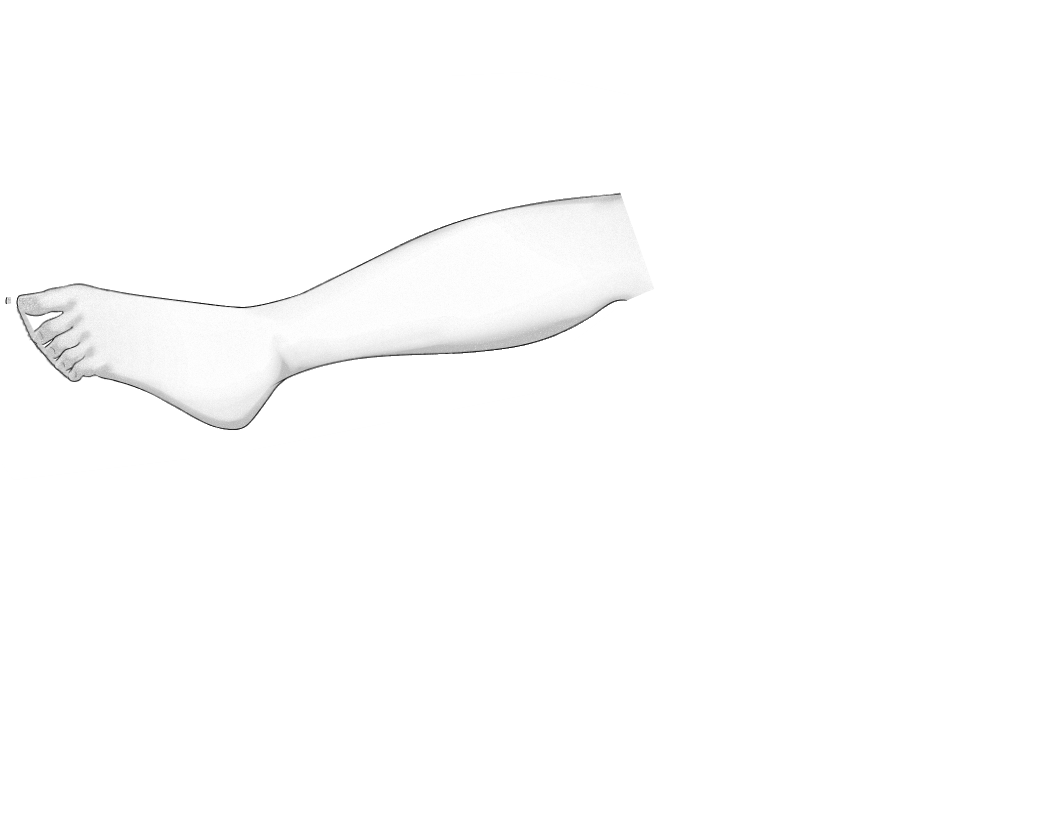
-Rotations may smooth the border, darken it as needed with the paint brush (images 12 and 13)
Joined Oct 2021
