exlurker @exlurker@gameliberty.club
- monero
- 46u3jgN1FzhP6pw3EvHG3Kjf7px89N8YkCx7zUgBX6AQSQ7k7mgMA3XN3DBJURseSY7Sdh5b8BLvFabUt45VWqhjM4bpedr
Completions of images, animations & minigames.
Donations welcome.
Joined Oct 2021
exlurker
boosted

Another gift for @shironeko  I really love Shiro
  #loli #swimsuit #digitalart
Finally, select the layers you need (naked and top or bottom) and click on File -> Export to save it.
Open a Toolbox and select the Free Select tool.
Click on the layer called top, and click on the eyes of the other layers until only the layers naked and top are visible.
Make sure the layer "top" is selected, and select around the top, leaving some space.
Then ctrl-i to invert the selection, and delete to remove it.
Do the same procedure on the bottom layer, selecting the bottom.
Example from Dakun Art
Variations of a Vermelhatan image
#loli
Flip:
exlurker
boosted

Install gimp
https://www.gimp.org/
then open it.
Click on File -> Open As Layers and select the images you have.
Go to Windows -> Layers and make sure the image with the naked girl is below the other image.
Duplicate the dressed image twice and rename the layers "top", "bottom", "dressed", "naked".
Right-click on all the layer names and click on add alpha channel.
Variations of a Gio image (Sumi)
exlurker
boosted
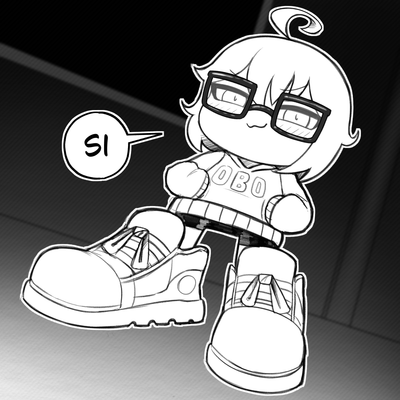



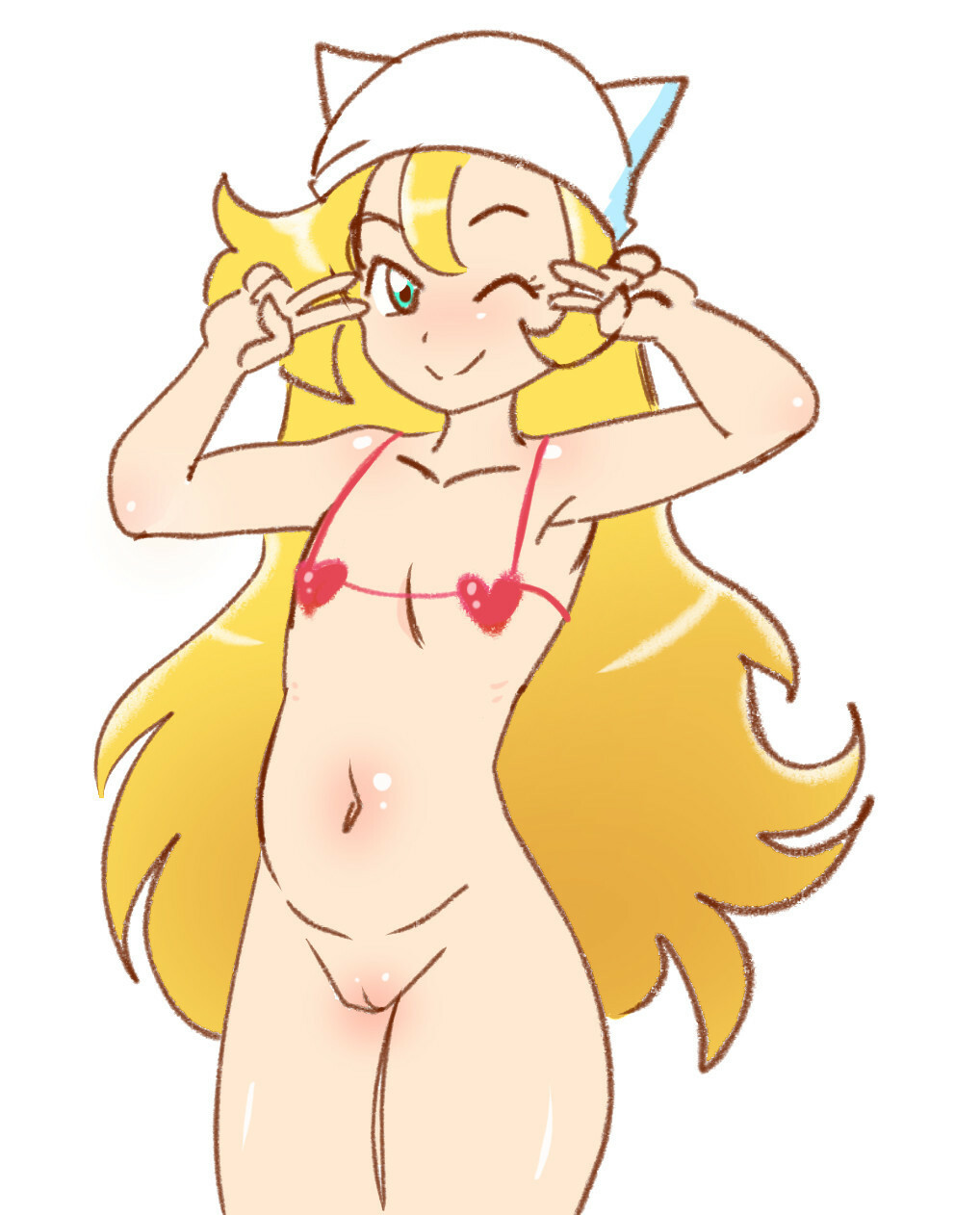
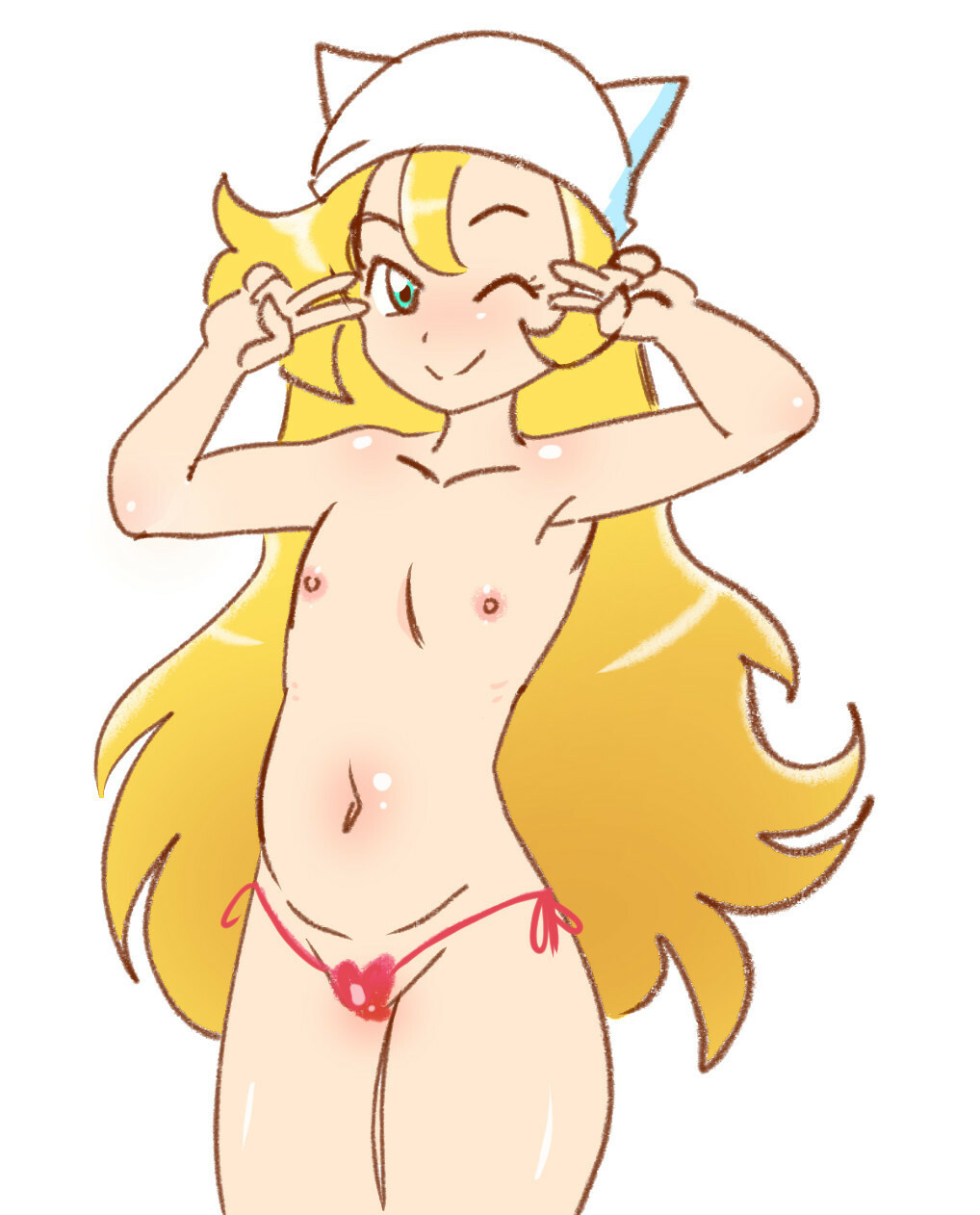


Variation of a 有梨 image (2 girls). Choose the image number.
1: with right bottom
2: with right top
4: with left bottom
8: with left top
exlurker @exlurker
Variations of an AnIdiotWithAMouse image.
Flip:
@Tickleprick69 Other examples, choose one if you don't find anything else.
https://baraag.net/@bintend9/108720763377745899
https://baraag.net/@GRC/108719390839469516
https://baraag.net/@GR_art/104910851245079778
https://baraag.net/@dakunart/104589518867043918
https://baraag.net/@dakunart/104719751248244756
https://baraag.net/@shironeko/104905677877769336
https://baraag.net/@dakunart/104850061068216042
https://baraag.net/@dakunart/106745005356558919
https://baraag.net/@dakunart/107527672018985247
https://baraag.net/@dakunart/108581661573023133
@Tickleprick69 Your image has no space between top and bottom so wait until you have more practice before attempting it. You will have to reconstruct the covered parts in this image.
@Tickleprick69 Once a few people respond here with images, I will show how I do the variations. If you find images with more than two differences, those are also good.
Variation of an image by 有梨 (three kids).
(current image: 1772).
Answer both
Variation of an image by 有梨 (three kids).
(current image: 1772).
Answer both
- monero
- 46u3jgN1FzhP6pw3EvHG3Kjf7px89N8YkCx7zUgBX6AQSQ7k7mgMA3XN3DBJURseSY7Sdh5b8BLvFabUt45VWqhjM4bpedr
Completions of images, animations & minigames.
Donations welcome.
Joined Oct 2021