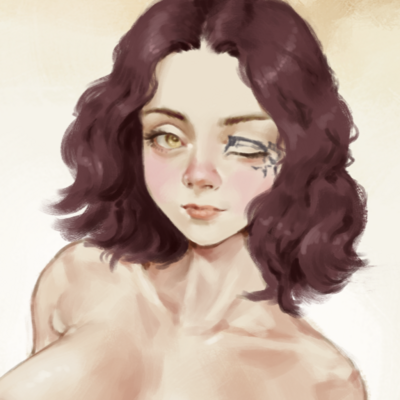
I didn't update on the monitor situation but I got a new one lol and this one has HDR so I'm gonna have to get used to colouring with that on but hey, at least games now look better right?

@drewnn what kind of HDR is it? because if it's HDR 10 just turn off the HDR and forget it's a feature. if you're drawing it's better to just have it off anyway, so i've heard.
@drewnn so the HDR 10 standard is pretty lenient, and a lot of cheaper monitors and especially ones that aren't OLED go with the bare minimum peak brightness to meet the requirement which ends up usually just making things look bad. they only really do it for advertising (like when they say a monitor has 1ms response time but that's never actually the case).
if you did get an OLED from a pretty reputable brand then the HDR on that should look pretty good, but only if you're actually consuming HDR content, like a game that has HDR settings for example. definitely would not use it for drawing unless you're actually looking to draw HDR content, but idk to what extent Photoshop or whatever else supports something like that. in general, HDR support isn't great outside of movies and games.
i could be getting some things wrong but that's the gist of it. any time i've used HDR on a display that wasn't a fancy OLED it's resulted in the colors just getting washed out. the best thing to do is either buy an IPS panel with good color accuracy and contrast or an OLED.
whatever you bought though, definitely don't have buyer's remorse because it's not the right kind of HDR or anything like that. as long as you can tweak it enough to get colors that work for your art and all that jazz you're good to go :)
