

@waifu yes what happens? 

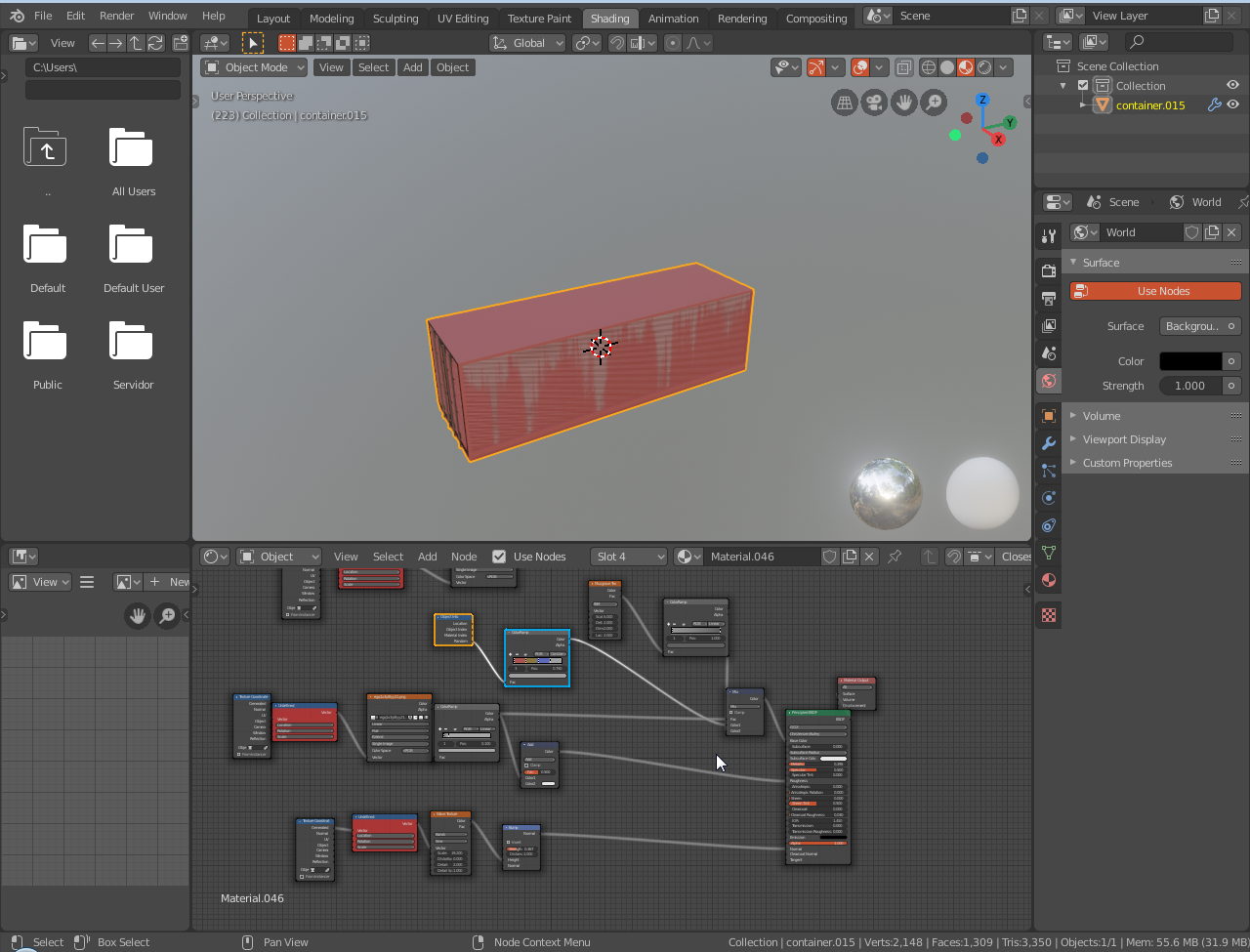
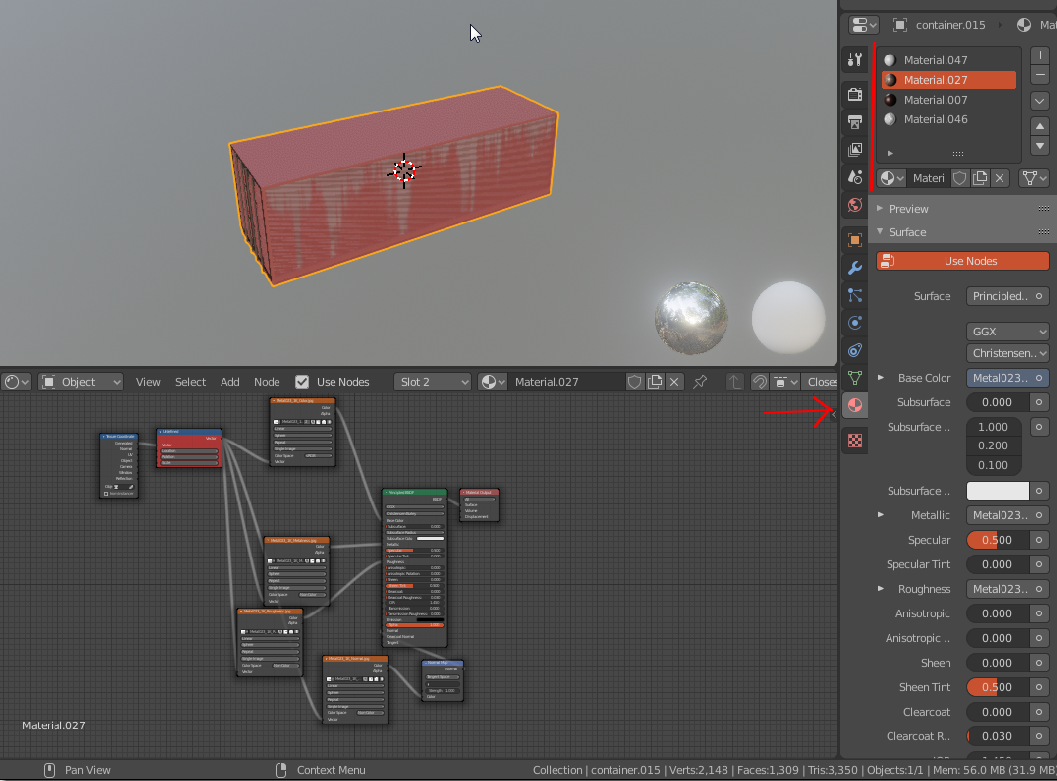
@waifu i guess these two points talk about making sure the model looks exactly how you want and that it matches the look it is supposed to have.
If while being at the shading tab you see a preview of the model and everything looks fine, you may not need to edit anything. if you see that something it's missing or does't look right (it shows wrong colors or missing textures or anything like that) you will have to edit the nodes to correct that,
but of course you need to know HOW  , if you don't know how to shade objects in blender you could watch a tutorial (i could look one for you if you want).
But i say again: If you are in the shading tab, and your model looks good to you, you don0t need to edit anything.
 I think I have enough with koikatsu for now
@waifu i don't think the shaders that come with koikatsu models can be very complex, can they? plus if you study them you may end up figuring them out, they're not that hard to understand.
I think it would be a nice skill to develop if you plan to do more of this in the future.
, might wait for the dude doing the plugin to update the tutorial or give it a try at some point again now that it's not a 2 hour tutorial, thanks for the help 

I was able to do everything until pic related.
So I'm not sure how or if I have to edit the armature and what's considered "good shaders" and from what I can see they are a lot.