

Sublime Merge is fucking amazing

@applejack
Vim is too complicated for my double digit IQ zoomer brain.
Btw this is merging so that command probably wouldn't achieve the same thing Sublime Merge does.



@LukeAlmighty @matrix I don't like spaces instead of tabs either, but this isn't my project
@applejack
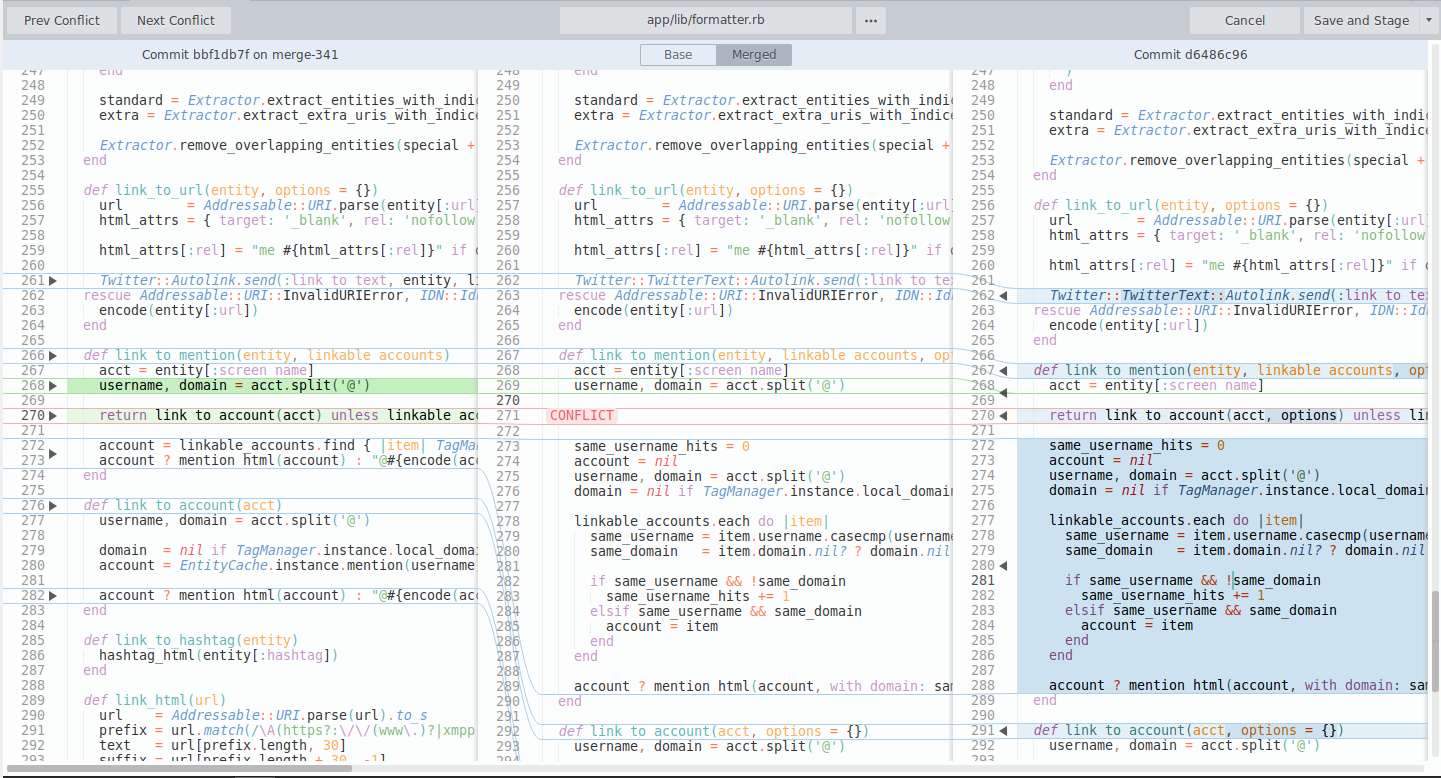
Where do you put your results? I assume you edit one of the files. The nice thing about Sublime Merge is that just by clicking one button it shows you both the original branches and gives you space for your to resolved them while still being able to glance back at the originals.
[difftool]
prompt = true
[diff]
tool = nvimdiff
[difftool "nvimdiff"]
cmd = "nvim -d \"$LOCAL\" \"$REMOTE\""
then you can type `git difftool` or just have it prompt you with conflicts

@matrix Merging with this means editing conflicts and then committing.