
beard ひげ @beardalaxy@gameliberty.club
- 🔞 18+
- MINORS GTFO
- Current games
- Bastion/Twilight Princess/Mina the Hollower
Mod
こんにちは、私はひげさん。はじめまして!
Joined Jan 2021

beard ひげ
boosted

beard ひげ
boosted
"OK, next question:
Would you still want this job if the company was a worm?"
Would you still want this job if the company was a worm?"
beard ひげ
boosted

ITAP of a woman with open eyes with TV and woman on TV with closed eyes [MLM]
#EroticArt #fineartnude #beautifulgirl #model #naked #nude #nudeArt #sensual #nudityisnotporn #nudityisnatural #blackandwhite #blackandwhiteart #blackandwhitephoto #bwphotography #monochromephotography
beard ひげ
boosted

Kamala
>Abortion Abortion Abortion
Rally Attendee
>JESUS IS LORD!
Kamala
>O you at the wrong rally
she's done
>Abortion Abortion Abortion
Rally Attendee
>JESUS IS LORD!
Kamala
>O you at the wrong rally
she's done
>smoker gets permanent lung damage
>"IT WAS COVID GUYS"
https://www.youtube.com/watch?v=WahJn52te4U
beard ひげ
boosted

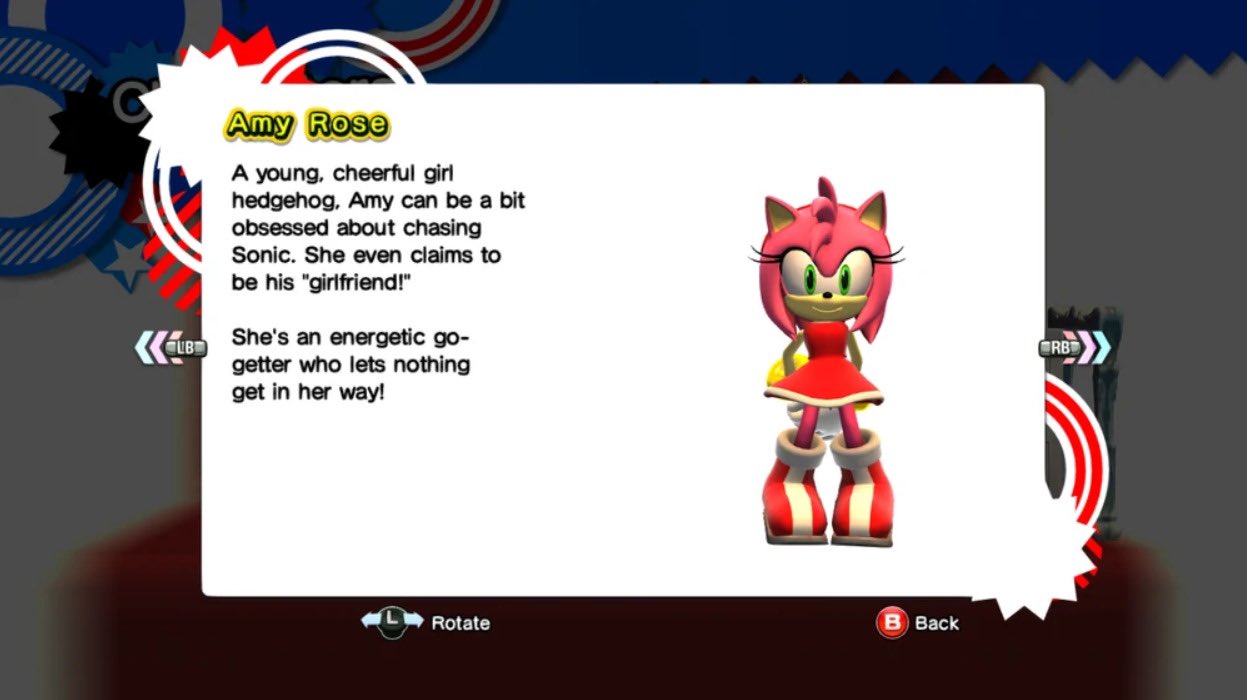
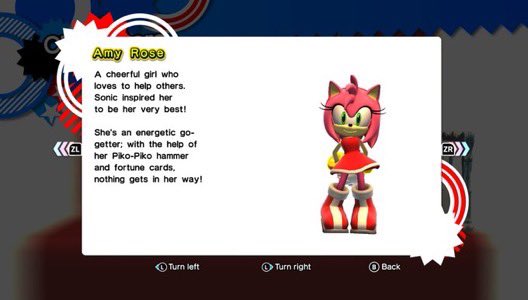
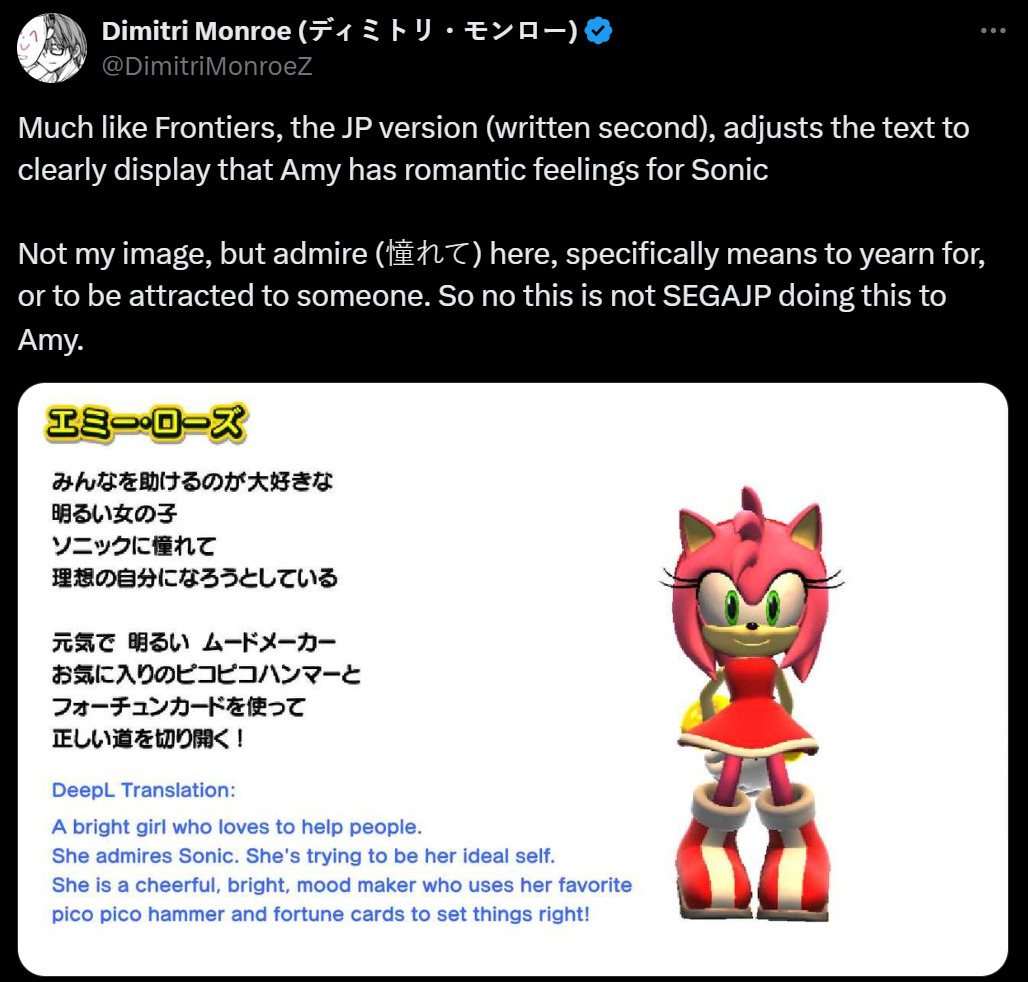
Sonic X Shadow Generations english translations erasing Amy's character. Ian Flynn hates Amy Rose.
First screenshot is from Sonic Generations from 2011 and the second is from the remaster.
First screenshot is from Sonic Generations from 2011 and the second is from the remaster.
Well, nevermind. Not going to hockey. Roommate didn't have an extra ticket after all. I'm not surprised by this, unfortunately. Just wish I hadn't swapped my schedule around.
beard ひげ
boosted

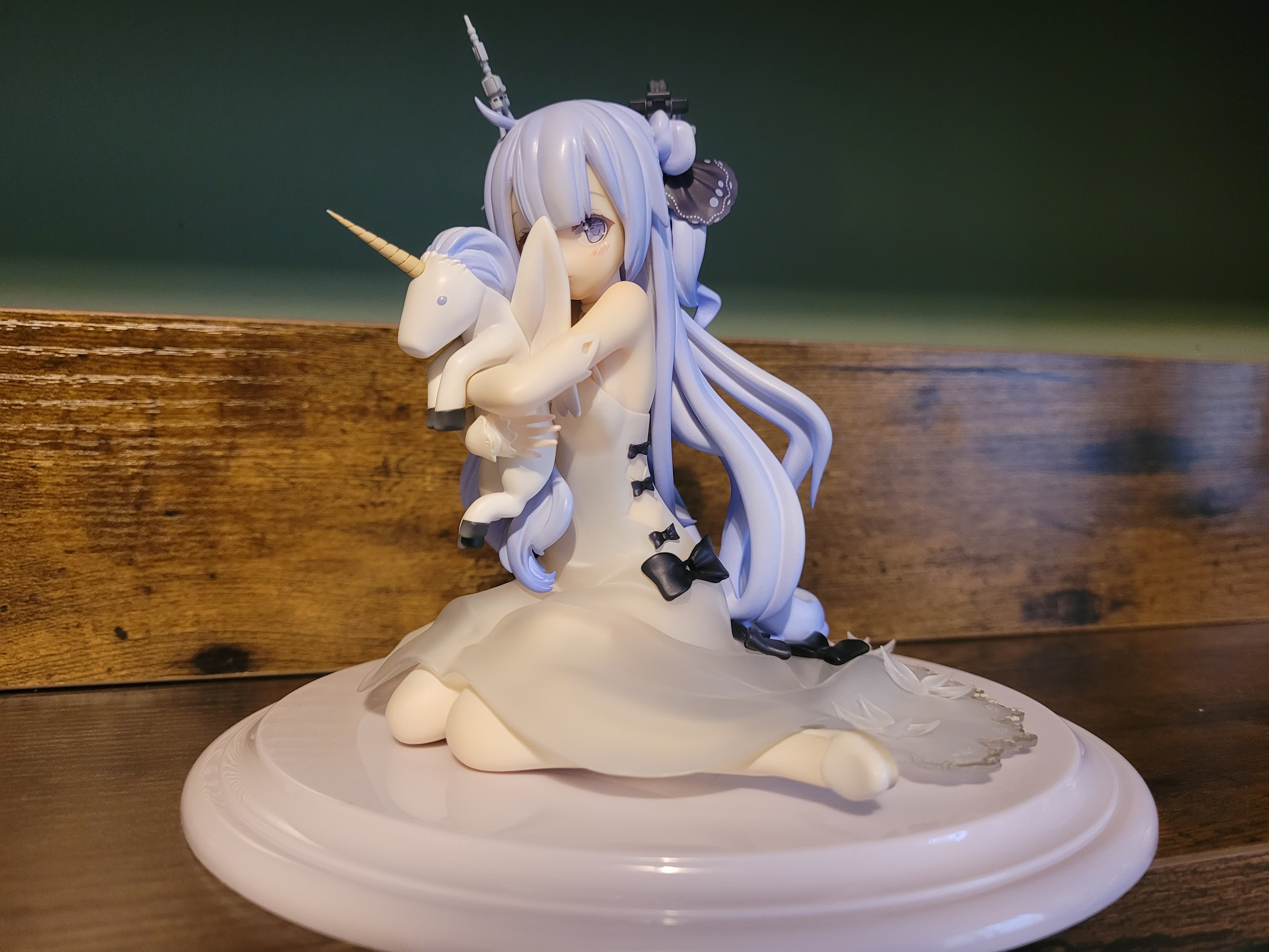
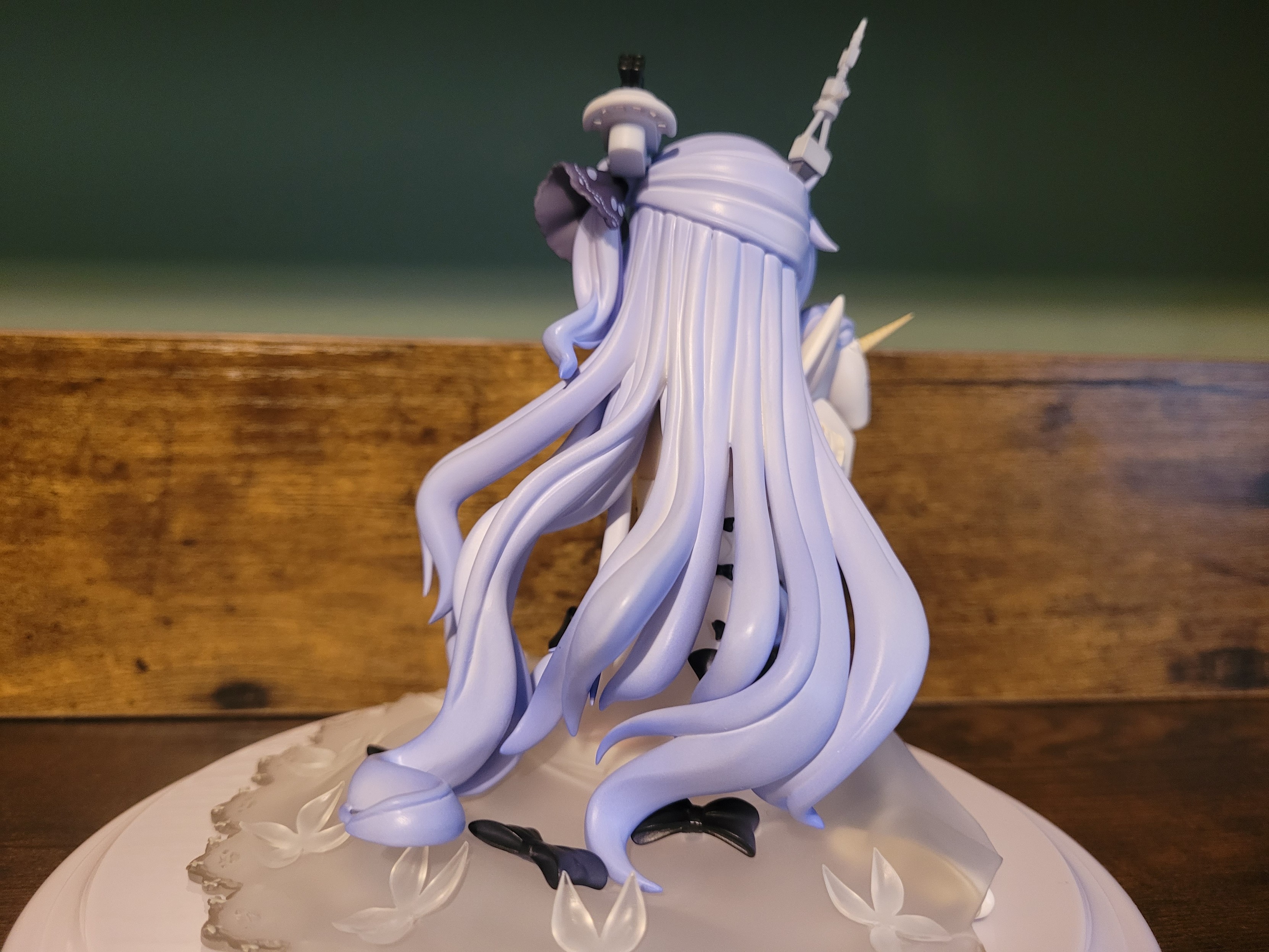
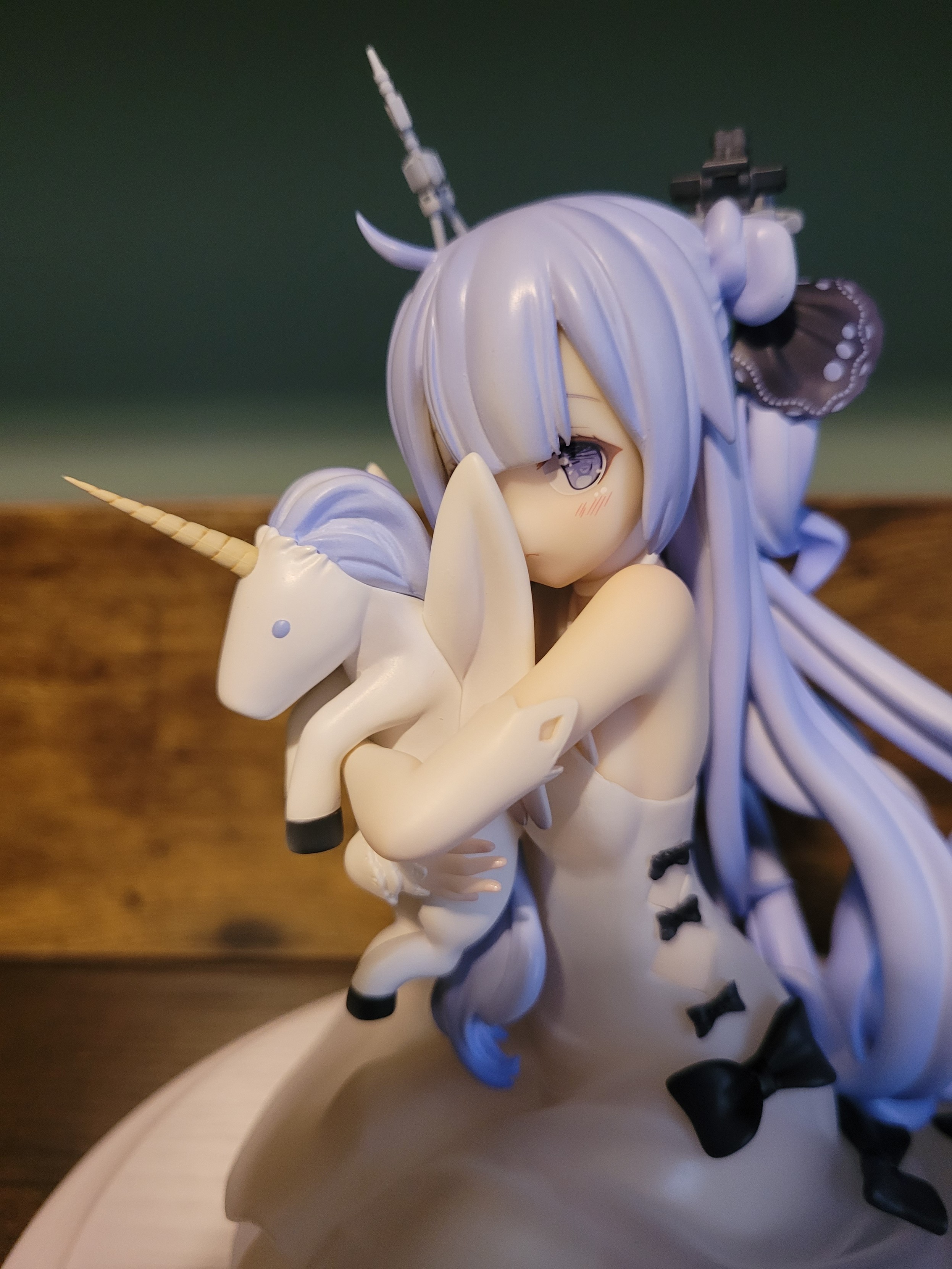
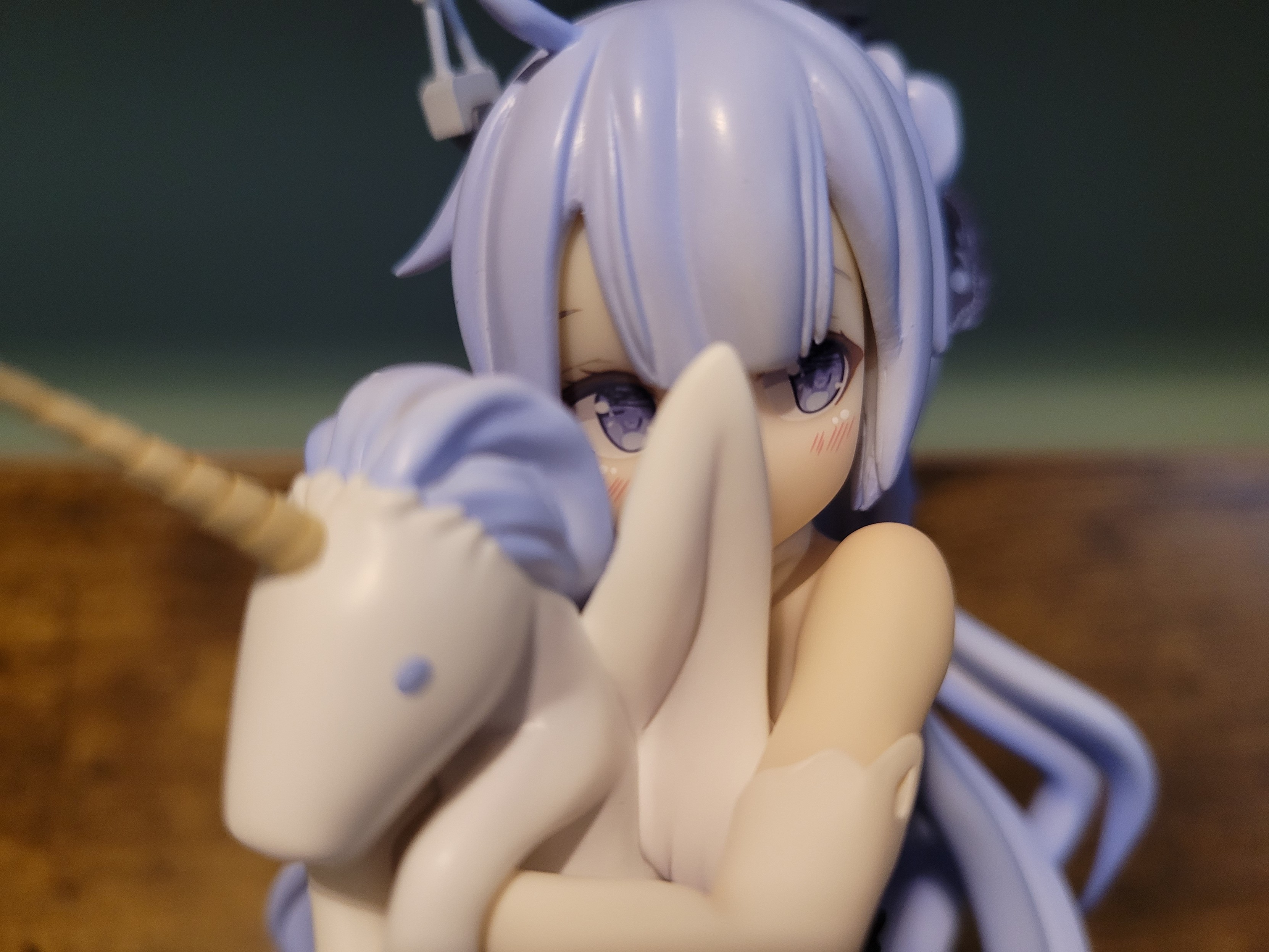
Love love unicorn 🦄
Of course she arrived the day after watching The Last Unicorn lol
beard ひげ
boosted

 Goal𝓯𝓻𝓮𝓪𝓴𝓮𝓻
There is a better way though.
for those who want to play the enhanced edition of Silent Hill 2 (Silent Hill 2: Enhanced Edition) meant for PC.
Begin by navigating to C:\Program Files (x86)\ create a folder "Konami" We'll be storing the Silent Hill 2 contents and files inside of "Konami" folder.
Download the original fully extracted copy of Silent Hill 2 on myabandonware https://www.myabandonware.com/game/silent-hill-2-restless-dreams-bgd#download. extract the files and move the contents into "Konami" folder (if you forgot: C:\Program Files (x86)\Konami. Drag all of the extracted contents into this directory).
Download the setup tool from the Silent Hill 2: Enhanced Edition website. https://enhanced.townofsilenthill.com/SH2/install.htm
Follow the recommended steps on the setup tool
Make sure on the last step you select the directly where the Silent Hill 2 files are at (if not, you'll get a warning) . Should be located at C:\Program Files (x86)\Konami\Silent Hill 2\
Click next and it should install the Silent Hill 2 Enhanced Edition files.
This version of Silent Hill 2 is the better version of it, running at 60 FPS and lots of other better features. You don't need to do unnecessary steps like mentioned anywhere else and there shouldn't be any errors if installed correctly
for those who want to play the enhanced edition of Silent Hill 2 (Silent Hill 2: Enhanced Edition) meant for PC.
Begin by navigating to C:\Program Files (x86)\ create a folder "Konami" We'll be storing the Silent Hill 2 contents and files inside of "Konami" folder.
Download the original fully extracted copy of Silent Hill 2 on myabandonware https://www.myabandonware.com/game/silent-hill-2-restless-dreams-bgd#download. extract the files and move the contents into "Konami" folder (if you forgot: C:\Program Files (x86)\Konami. Drag all of the extracted contents into this directory).
Download the setup tool from the Silent Hill 2: Enhanced Edition website. https://enhanced.townofsilenthill.com/SH2/install.htm
Follow the recommended steps on the setup tool
Make sure on the last step you select the directly where the Silent Hill 2 files are at (if not, you'll get a warning) . Should be located at C:\Program Files (x86)\Konami\Silent Hill 2\
Click next and it should install the Silent Hill 2 Enhanced Edition files.
This version of Silent Hill 2 is the better version of it, running at 60 FPS and lots of other better features. You don't need to do unnecessary steps like mentioned anywhere else and there shouldn't be any errors if installed correctly

beard ひげ
boosted

beard ひげ
boosted
beard ひげ
boosted


beard ひげ
boosted
> bandai namco
> sweet baby inc

> sweet baby inc





Going to watch hockey tonight. Been a while!
Now, I don't think this is alien related, because there are some crazy things on this planet that we still have yet to discover I'm sure. It's still super intriguing though.
- 🔞 18+
- MINORS GTFO
- Current games
- Bastion/Twilight Princess/Mina the Hollower
Mod
こんにちは、私はひげさん。はじめまして!
Joined Jan 2021
